
Custom CRM Development vs Off-the-Shelf CRM: Which Approach Fits Your Business?
An objective financial, operational, and architectural comparison between bespoke CRM software and platforms like Salesforce or HubSpot.

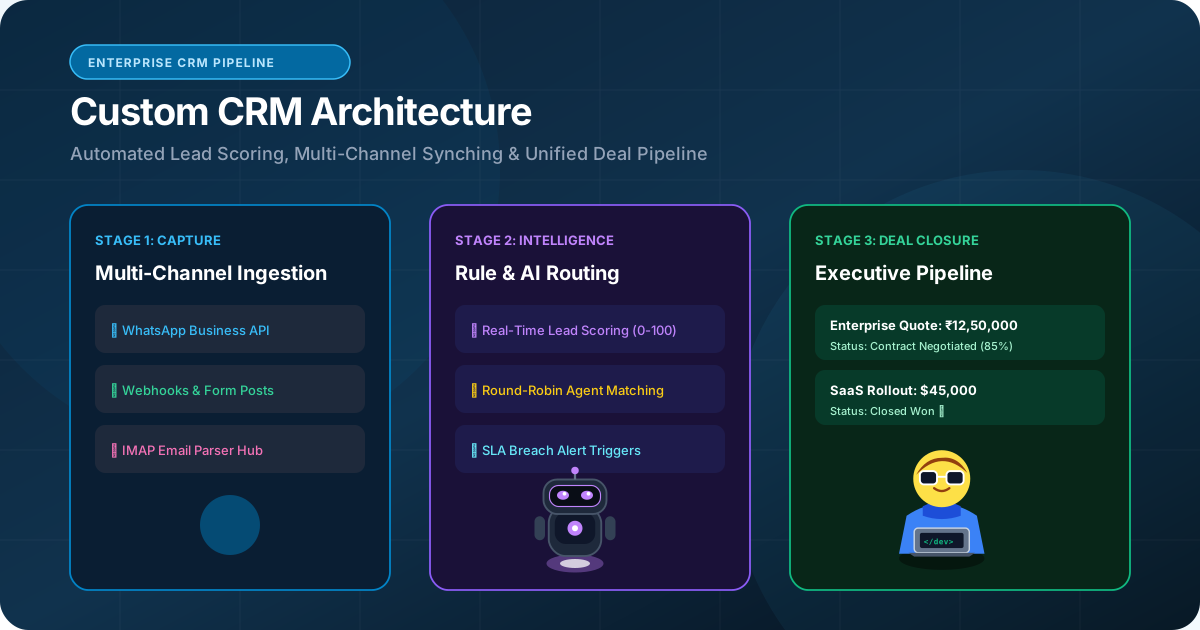
- 1. The CRM Crossroads: Standard Utility vs Proprietary Engine
- 2. When Off-The-Shelf CRM Makes Financial Sense
- 3. When Custom CRM Development Delivers Compounding ROI
- 4. Total Cost of Ownership: 3-Year Financial Comparison
- 5. Feature & Architectural Comparison Matrix
- 6. The Modern Hybrid Model: Custom Portal + Headless CRM
- 7. The Executive Decision Framework
Customer Relationship Management (CRM) software is the central nervous system of any commercial enterprise. It tracks every sales inquiry, records communication histories across email and phone calls, manages deal stages, calculates commissions, and forecasts quarterly revenue. Yet, ask almost any sales representative or operations manager how they feel about their corporate CRM, and the response is usually exasperation: 'It is too complicated,' 'It does not match our real workflow,' or 'I spend more time fighting the software than closing deals.' At the same time, CFOs stare at escalating monthly bills charging $150 to $300 per user for features their team never uses. This guide provides an honest, balanced evaluation of custom CRM development vs off-the-shelf platforms, helping you choose the path that maximizes operational efficiency and long-term financial return.
Neither approach is universally superior: off-the-shelf CRMs (HubSpot, Salesforce) are ideal for businesses with standard sales funnels needing immediate turn-key deployment, while custom CRM development is superior for companies with proprietary operational workflows, scaling teams burdened by escalating per-seat monthly fees, or strict data sovereignty requirements.
1. The CRM Crossroads: Standard Utility vs Proprietary Engine
Understanding the trade-off between instant convenience and complete operational fit
Every company faces a fundamental technological choice when organizing its customer operations:
Option A (Off-the-Shelf): Subscribe to an established SaaS platform like Salesforce, HubSpot, Zoho, or Pipedrive. You receive immediate access to pre-built lead pipelines, standard email templates, and hundreds of third-party plugin integrations.
Option B (Custom CRM Development): Commission a dedicated, proprietary CRM web application engineered specifically around your company's unique sales stages, client onboarding protocols, document vaults, and team permissions.
Neither option is universally better. The correct decision depends on your industry complexity, user count, budget structure, and proprietary competitive advantages.
2. When Off-The-Shelf CRM Makes Financial Sense
Scenarios where commercial SaaS platforms deliver optimal value
Subscribing to an existing CRM platform is the pragmatic choice when:
• You Need Immediate Deployment: If your sales team needs to start dialing leads tomorrow morning, you cannot wait 8 to 12 weeks for custom software engineering.
• Your Sales Workflow Is Completely Standard: If your sales process follows the textbook B2B funnel (Lead → Demo → Proposal → Closed-Won), generic tools handle this out of the box without friction.
• Small Team Headcount: For a team of 3 to 8 reps, paying $80/user/month ($240–$640/mo) is modest and far cheaper than financing an upfront custom software build.
• Heavy Reliance on Out-of-the-Box Marketing Automation: Platforms like HubSpot excel at integrated email newsletters, inbound blog tracking, and marketing attribution funnels that would be expensive to replicate from scratch.
3. When Custom CRM Development Delivers Compounding ROI
Operational signals that justify building proprietary software
Conversely, investing in custom CRM engineering becomes highly profitable when:
• Escalating Per-Seat Licensing Costs: When your company employs 40, 100, or 250 sales reps, underwriters, field agents, and customer success specialists, paying $150–$250 per user monthly drains $75,000 to $500,000+ per year in recurring operational expenses. A custom CRM eliminates per-user fees entirely.
• Complex Multi-Party Workflows: In industries like commercial wholesale insurance, manufacturing exports, or real estate syndication, deals involve brokers, underwriters, lenders, and inspectors. Generic CRMs struggle to model these multi-party relationships without awkward workarounds.
• Proprietary Secret Sauce: If your competitive edge lies in proprietary quoting formulas, automated risk scoring, or localized WhatsApp automation, custom software embeds those advantages directly into your sales view.
• Absolute Data Sovereignty: When managing high-net-worth financial clients or sensitive medical records, storing customer data in your own private PostgreSQL database ensures compliance with strict regulatory standards.
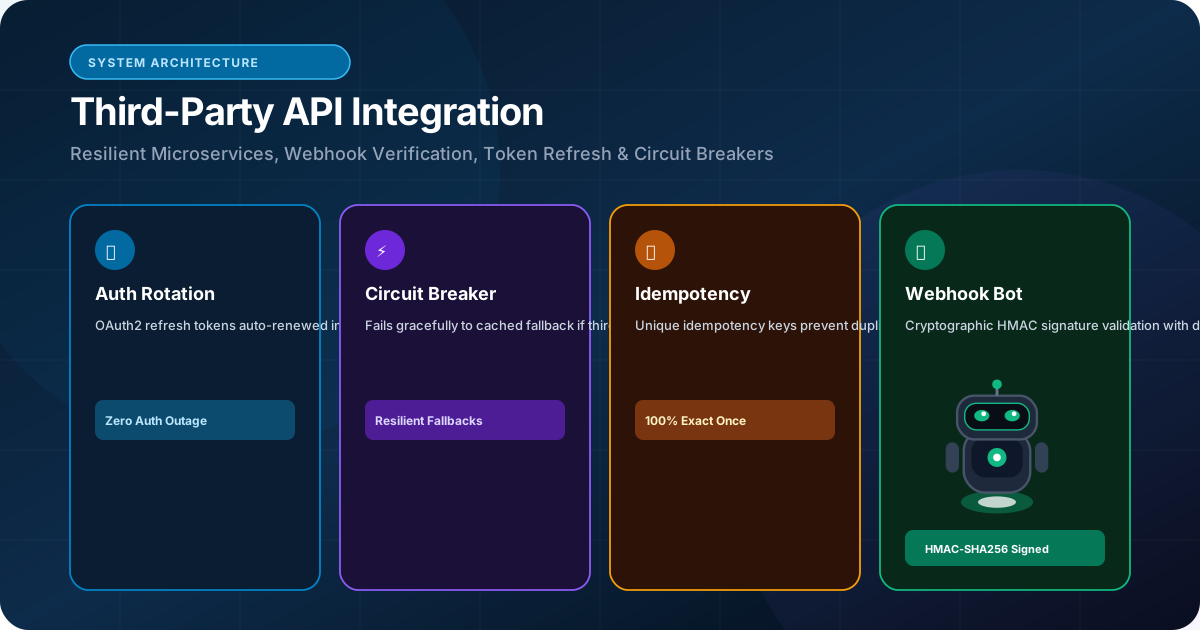
4. Total Cost of Ownership: 3-Year Financial Comparison
Analyzing capital expenditure vs perpetual operational software licensing
To understand the true cost difference, evaluate total expenditure across a 3-year timeline for a company with 60 team members:
| Cost Category | Off-The-Shelf Enterprise CRM (HubSpot/Salesforce) | Custom CRM Development (RankVRA) |
|---|---|---|
| Upfront Implementation & Setup | $15,000 – $25,000 (Certified Consultant Fees) | $40,000 – $70,000 (Full-Cycle Custom Build) |
| Year 1 Licensing / Hosting | $108,000 ($150/user/month x 60) | $3,600 (AWS/Vercel Private Cloud) |
| Year 2 Cost (Scale to 80 Users) | $144,000 (Licensing increases linearly) | $4,800 (Hosting) + Support Retainer |
| Year 3 Cost (Scale to 100 Users) | $180,000 (Licensing increases linearly) | $6,000 (Hosting) + Support Retainer |
| 3-Year Total Expenditure | $447,000+ | $70,000 – $105,000 Total |
| User License Expansion Cost | +$1,800/year for every additional employee | $0 (Unlimited users forever) |
| Software Asset Ownership | 0% (Perpetual vendor subscription) | 100% Client Intellectual Property |
5. Feature & Architectural Comparison Matrix
Detailed operational trade-offs across both approaches
The table below contrasts flexibility, speed, integration, and adoption:
| Feature Dimension | Off-The-Shelf CRM (SaaS) | Custom Built CRM |
|---|---|---|
| User Adoption Rate | Often Low (Cluttered UI, hundreds of unused buttons) | Very High (Streamlined to exact daily tasks) |
| Workflow Customization | Constrained by vendor database rules and API limits | 100% Flexible (Any logic, calculation, or pipeline) |
| Page Load & Search Speed | Moderate (Slow on complex searches and reports) | Sub-Second (Custom PostgreSQL composite indexes) |
| Omnichannel Sync | Requires paid third-party marketplace add-ons | Native integration with WhatsApp Cloud API & telephony |
| Vendor Lock-In Risk | Severe (Exporting data and leaving is extremely painful) | Zero (You own the database and source code) |
6. The Modern Hybrid Model: Custom Portal + Headless CRM
Combining the best of both worlds for scaling organizations
For some organizations, the optimal strategy is a Hybrid Architecture:
Your marketing and executive teams retain a lightweight off-the-shelf CRM for high-level pipeline reporting and marketing automation.
However, you build a custom web application portal for your sales reps, field agents, and external clients to handle document submissions, quoting calculations, and order approvals. The custom portal syncs with the CRM via API integration behind the scenes.
This keeps per-seat licensing low (only executives have full CRM seats) while giving operational teams a bespoke, fast interface.
7. The Executive Decision Framework
How to make the final call for your business
To choose your path with confidence, apply this 3-step decision rule:
1. If you have fewer than 15 users AND standard sales processes → Choose an off-the-shelf CRM like HubSpot or Pipedrive.
2. If you have more than 30 users OR proprietary workflows that off-the-shelf tools cannot handle without painful workarounds → Invest in custom CRM development.
3. If you want to eliminate hundreds of thousands in recurring software fees while creating a proprietary enterprise asset that increases your company valuation → Custom CRM development is the superior long-term financial decision.
The Bottom Line & Next Steps
The decision between a custom CRM and an off-the-shelf platform is not merely a technical debate; it is a strategic business decision that balances immediate speed against long-term operational leverage and cost efficiency. By analyzing your real user count, workflow complexity, and 3-year total cost of ownership, you can invest where your capital generates the highest return. If your business is ready to evaluate custom CRM development, schedule a consultation with the software engineering team at RankVRA.
Questions Business Leaders Ask About custom CRM development
Can data from our existing HubSpot or Salesforce be migrated to a custom CRM?▾
Yes. We extract your historical contacts, deal stages, communication notes, and attachments via API or CSV exports, sanitize the data, and migrate it into a normalized PostgreSQL database with zero data loss.
What technology stack is used to build a custom CRM?▾
We build modern custom CRMs using Next.js (React) for the sub-second responsive frontend, Node.js or Python on the backend, PostgreSQL for relational data persistence, and Redis for caching and instant WhatsApp/email notifications.
How long does custom CRM development take?▾
A streamlined custom CRM tailored to your core sales pipeline typically takes 8 to 12 weeks from initial architectural blueprinting to production launch.

Written by Naveen Panchal
AuthorFounder & Lead Technical Architect, RankVRA
Naveen Panchal is the Founder and Technical Director of RankVRA. He specializes in full-stack web engineering, Next.js architecture, and high-performance digital systems for clients across the US, UK, Canada, and India.
Explore Core Commercial Capabilities
Bespoke sales pipelines & customer lifecycle software
Bespoke business portals & operational software
Connect CRMs, payment gateways & third-party tools
WhatsApp Business API & intelligent workflow bots
Unified frontend and backend systems
- Gartner: Gartner Research: CRM Technology TrendsOfficial Reference
- PostgreSQL Global Development Group: PostgreSQL Data Modeling & Relational IntegrityOfficial Reference
- HubSpot Developers: HubSpot API & Webhook Developer DocumentationOfficial Reference
Discuss Your CRM Requirements
Evaluating whether to stick with off-the-shelf software or build a custom CRM tailored to your team's exact workflow? Speak directly with RankVRA to calculate your 3-year TCO and roadmap your solution.
Related Growth Blueprints
Explore more strategic articles from the RankVRA engineering desk.
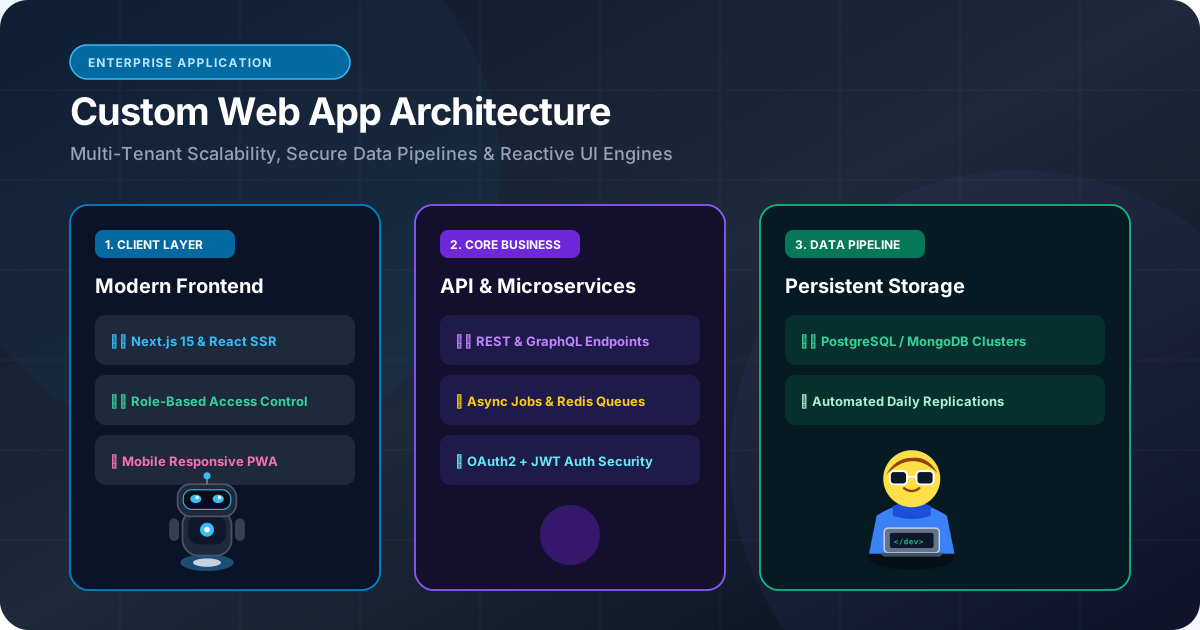
Custom Web Application Development: When Should a Business Build a Custom Web App?
When should a business build custom web applications instead of subscribing to SaaS? Learn how custom portals, wholesale dashboards, and bespoke workflows deliver compounding ROI.
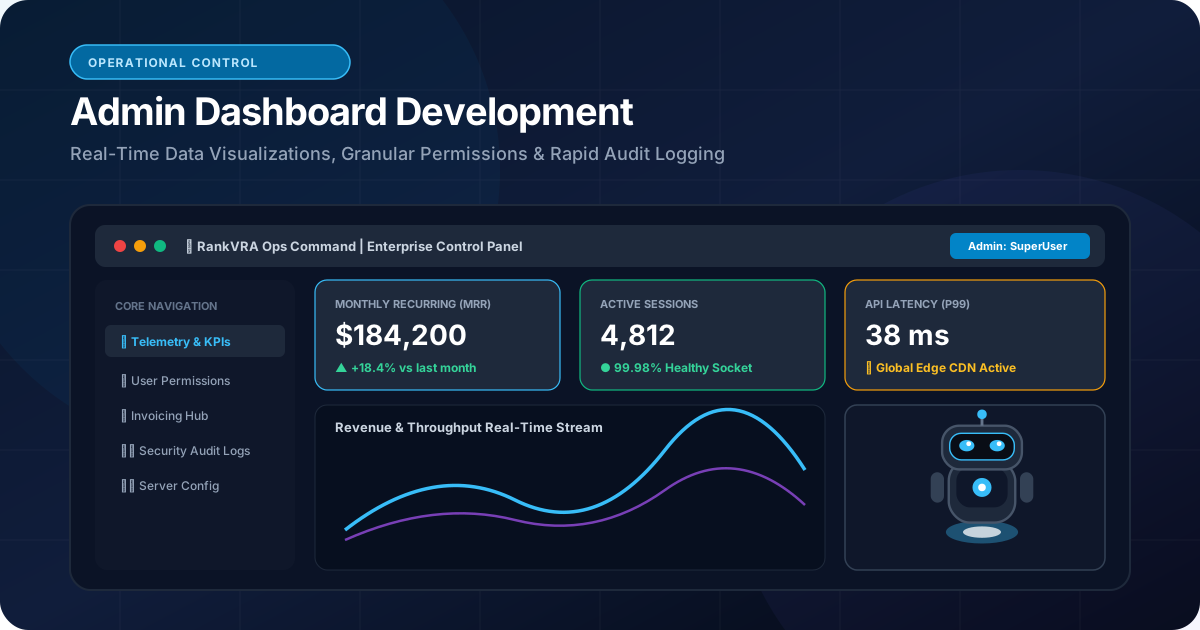
How to Build an Admin Dashboard for a Business: Architecture, Security & UX
Learn how to build custom admin dashboards. Master data visualization, role-based access control (RBAC), real-time business telemetry, and secure CRUD operations.
How Third-Party API Integrations Improve Business Automation: A Technical Deep Dive
Discover how third-party API integrations eliminate operational silos, automate lead routing, sync enterprise ERPs, and scale business efficiency.