
How to Build an Admin Dashboard for a Business: Architecture, Security & UX
A practical engineering guide to creating internal control rooms, operational CRUD panels, real-time telemetry, and role-based permissions.

- 1. The Operational Role of a Custom Admin Dashboard
- 2. The 5 Core Functional Modules Every Business Dashboard Needs
- 3. Engineering High-Performance Data Tables
- 4. Security & Role-Based Access Control (RBAC)
- 5. Pre-Built Dashboard Templates vs Custom Architecture
- 6. Real-Time Telemetry & Event-Driven Updates
- 7. The Enterprise Dashboard Implementation Checklist
Every expanding business is essentially an information-processing engine. Orders are placed, customer inquiries arrive, inventory levels fluctuate, insurance submissions are reviewed, and financial transactions clear. However, if that information is trapped inside disconnected spreadsheets, buried in raw SQL databases, or scattered across disparate vendor logins, executives and operational managers cannot make timely decisions. This is where custom web application development delivers immense operational leverage. A custom admin dashboard is your company's digital flight deck: a unified, secure control panel where team members execute daily workflows, track real-time revenue telemetry, and manage business records with absolute precision. This guide details how to architect and build high-performance business admin dashboards.
Admin dashboard development is the engineering of private operational control centers where business teams monitor live telemetry, manage customer and financial records via secure CRUD interfaces, approve workflows, and configure system rules. Effective dashboards combine responsive React/Next.js data tables, robust Role-Based Access Control (RBAC), and sub-second database query performance.
1. The Operational Role of a Custom Admin Dashboard
Transforming raw database records into actionable business intelligence
An admin dashboard is a private, authenticated web interface that sits directly on top of your company's database and API infrastructure.
Unlike client-facing websites, which prioritize marketing persuasion and brand storytelling, an admin dashboard prioritizes information density, operational velocity, and data accuracy.
A well-engineered dashboard enables non-technical staff—operations directors, customer support specialists, underwriters, and warehouse managers—to execute complex database queries, approve submissions, issue refunds, and adjust operational settings safely without touching raw code.
2. The 5 Core Functional Modules Every Business Dashboard Needs
The anatomical pillars of an enterprise operational control panel
Regardless of whether you operate an insurance brokerage, a logistics fleet, or a SaaS platform, a production dashboard requires five essential modules:
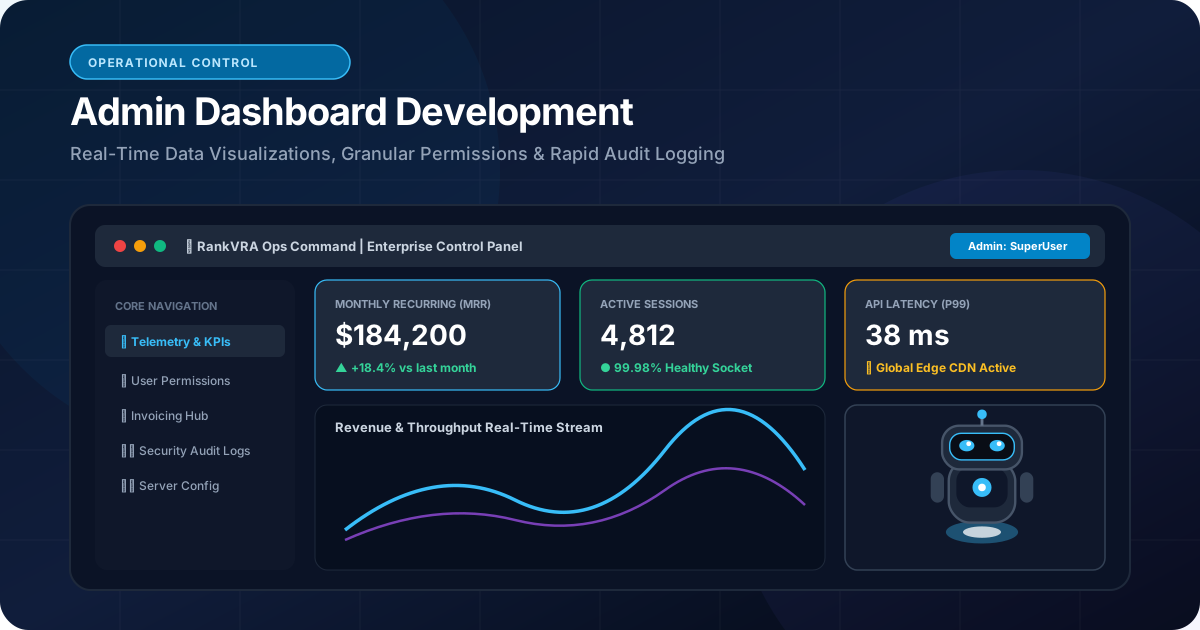
1. Real-Time Executive Telemetry: High-level KPI summary cards (Total Revenue, Active Users, Pending Approvals, Churn Rate) paired with interactive time-series charts comparing performance against previous quarters.
2. High-Performance CRUD Data Tables: Data grids supporting advanced multi-column filtering, global search, pagination, inline editing, and bulk status updates.
3. Granular Detail Views & Edit Modals: Deep inspection drawers for individual customer accounts, policy files, or orders, with tabbed views showing historical timelines and uploaded documents.
4. Operational Action Triggers: One-click workflow buttons—such as 'Approve Commercial Policy', 'Trigger Payout via Stripe', or 'Dispatch Driver'—with confirmation modals to prevent accidental clicks.
5. Immutable Audit Logs: A timestamped history tracking every administrative modification: who changed a record, what the previous value was, what the new value is, and the exact IP address of the user.
3. Engineering High-Performance Data Tables
Handling 100,000+ rows without browser lag or memory crashes
The data table is the workhorse of every admin dashboard. Amateur developers often fetch 10,000 rows from the database and render them all into the browser DOM at once, instantly crashing mobile viewports and freezing desktop browsers.
Professional frontend development implements server-side pagination and virtualization:
• Server-Side Pagination & Filtering: The frontend only requests 25, 50, or 100 records at a time from the backend API, passing query parameters for page index, sort column, and filter criteria directly to SQL.
• DOM Virtualization (TanStack Table / React Virtual): Only rendering the specific 15 rows currently visible within the user's screen scroll window, maintaining a constant 60 frames-per-second scrolling experience even when navigating massive datasets.
• Optimistic UI Updates: Updating the visual status immediately upon user action (e.g., toggling an account to 'Active') while the backend syncs in the background, delivering instantaneous perceived speed.
4. Security & Role-Based Access Control (RBAC)
Ensuring team members only see and edit data appropriate to their authorization
Admin dashboards are prime targets for internal and external security threats. A standard support agent should never see bank routing numbers, and a junior sales rep should not have permission to delete client records.
We implement strict Role-Based Access Control (RBAC):
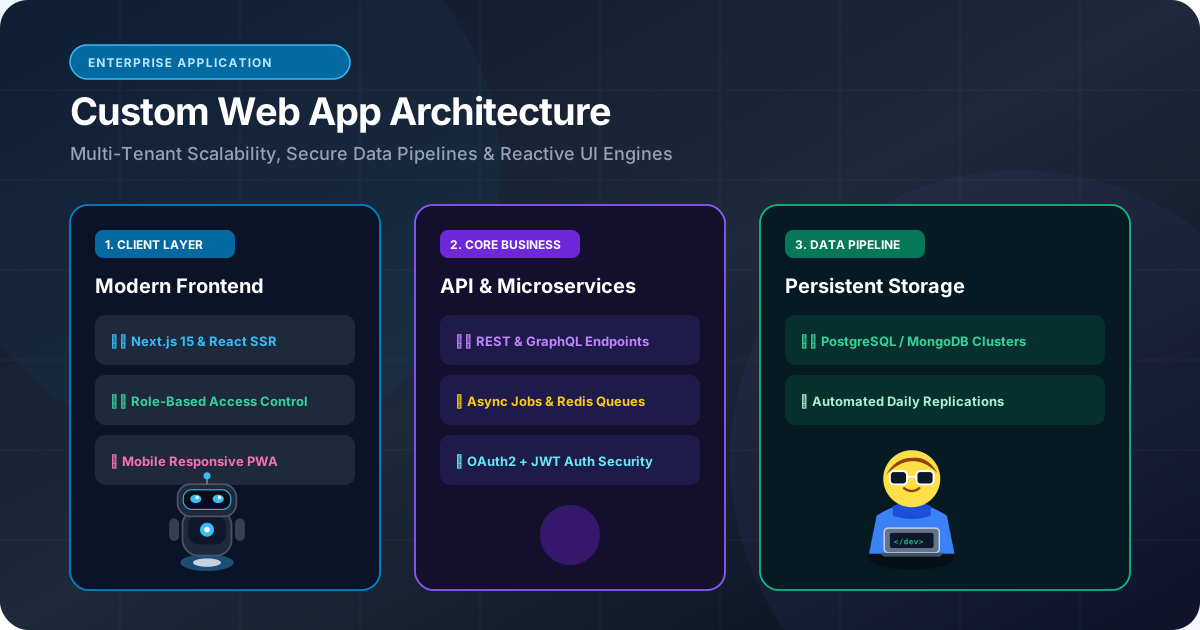
• Permission Matrices: Defining granular capabilities (e.g., users:read, invoices:create, settings:manage) rather than blunt global admin roles.
• Backend Route Enforcement: Verifying permissions at the API route level on the server. Never rely solely on hiding buttons on the frontend; if a user does not have users:delete permissions, the backend API endpoint must return a 403 Forbidden status code.
• Session Inactivity Timeouts: Automatically invalidating authentication tokens after 15 to 30 minutes of inactivity to protect workstations left unattended in office environments.
5. Pre-Built Dashboard Templates vs Custom Architecture
Why $29 generic admin themes turn into technical nightmares
Many businesses are tempted by cheap online admin templates (ThemeForest Bootstrap/React kits). While they appear visually impressive in marketing screenshots, they introduce severe technical liabilities:
| Feature / Dimension | Generic Pre-Built Theme | Custom RankVRA Dashboard Architecture |
|---|---|---|
| Underlying Code Quality | Massive bundle bloat; dozens of conflicting libraries | Clean Next.js & TypeScript; zero unnecessary dependencies |
| Database Integration | Zero backend code; requires completely manual wiring | Tailored PostgreSQL schema with type-safe ORM queries |
| Mobile Viewport Usability | Frequently breaks on smartphones and tablets | 100% fluid mobile-first responsive UX |
| Custom Workflow Alignment | Forced to adapt business to pre-built generic UI | Molded precisely to your company's exact operational logic |
| Security Hardening | Frequently contains outdated, vulnerable npm packages | OWASP-hardened with HttpOnly auth cookies and strict CSP |
| Long-Term Maintainability | Extremely brittle; difficult to upgrade frameworks | Clean modular component architecture owned 100% by you |
6. Real-Time Telemetry & Event-Driven Updates
Empowering operational teams with live data streams
In dynamic industries like wholesale insurance or logistics, data changes constantly. Forcing managers to manually hit 'Refresh' on their browser every 2 minutes wastes time and leads to missed operational alerts.
We incorporate real-time event mechanisms into dashboard engineering:
• WebSockets & Server-Sent Events (SSE): Pushing live notifications—such as a new high-priority quote submission or failed transaction—directly to the dashboard within 100 milliseconds.
• Optimistic Background Sync: Silently polling critical summary counters every 30 seconds using lightweight SWR or React Query hooks without refreshing the entire page.
7. The Enterprise Dashboard Implementation Checklist
8 critical verification points before deploying an internal control panel
Ensure your software development partner fulfills each of these operational standards:
1. Server-Side Data Grids: Are search, sort, and pagination executed via database queries rather than in-browser JavaScript?
2. Granular Role Permissions: Is every administrative action protected by verified backend authorization middleware?
3. Comprehensive Audit Trail: Is every data edit and deletion recorded in an immutable, timestamped audit log table?
4. Multi-Factor Authentication: Is MFA mandatory for all administrative and executive logins?
5. Responsive Mobile Layout: Can managers review and approve urgent requests from their smartphones?
6. Secure Session Cookies: Are auth tokens stored in HttpOnly, Secure, SameSite=Strict cookies?
7. CSV / PDF Export Capabilities: Can operational data be exported with 1-click for accounting and compliance reviews?
8. Fast First Paint: Does the dashboard load in under 1.2 seconds with clear skeleton loaders for data tables?
The Bottom Line & Next Steps
A custom admin dashboard is the operational brain of a modern enterprise. By replacing fragmented tools and spreadsheets with a unified, high-speed, and secure control panel, you empower your team to work faster, eliminate human errors, and gain complete visibility over your business performance. If your company needs to build a custom operations dashboard, client portal, or internal management platform, discuss your requirements with RankVRA today.
Questions Business Leaders Ask About admin dashboard development
How long does it take to develop a custom business admin dashboard?▾
A streamlined admin dashboard featuring core KPI telemetry, user management, and primary CRUD data tables typically takes 4 to 8 weeks to build and deploy. Complex enterprise dashboards with multi-tier approval workflows and legacy ERP integrations generally require 8 to 12 weeks.
Can an admin dashboard connect to multiple databases simultaneously?▾
Yes. Our backend architectures can query primary relational databases (PostgreSQL), in-memory caches (Redis), and third-party API services (Stripe, HubSpot, warehouse ERPs) simultaneously, aggregating the data into a single unified control interface.
Is it possible to restrict certain dashboard views to specific IP addresses?▾
Yes. For enhanced enterprise security, we can implement IP whitelisting at the cloud edge (Cloudflare/AWS), restricting access to the dashboard exclusively to your corporate office network or secure company VPN.

Written by Naveen Panchal
AuthorFounder & Lead Technical Architect, RankVRA
Naveen Panchal is the Founder and Technical Director of RankVRA. He specializes in full-stack web engineering, Next.js architecture, and high-performance digital systems for clients across the US, UK, Canada, and India.
Explore Core Commercial Capabilities
Custom business portals & operational software
Bespoke sales pipelines & customer lifecycle software
Sub-second React & Next.js user interfaces
Node.js, Python & scalable database architecture
Connect CRMs, payment gateways & third-party tools
- TanStack Community: TanStack Table: Headless UI for Data TablesOfficial Reference
- OWASP Foundation: OWASP Authorization & Access Control Cheat SheetOfficial Reference
- Nielsen Norman Group: Nielsen Norman Group: Dashboard Design Best PracticesOfficial Reference
Build a Custom Business Dashboard
Ready to centralize your operations, eliminate spreadsheet chaos, and give your team a lightning-fast control center? Consult with RankVRA to architect an enterprise-grade admin dashboard.
Related Growth Blueprints
Explore more strategic articles from the RankVRA engineering desk.
Custom Web Application Development: When Should a Business Build a Custom Web App?
When should a business build custom web applications instead of subscribing to SaaS? Learn how custom portals, wholesale dashboards, and bespoke workflows deliver compounding ROI.
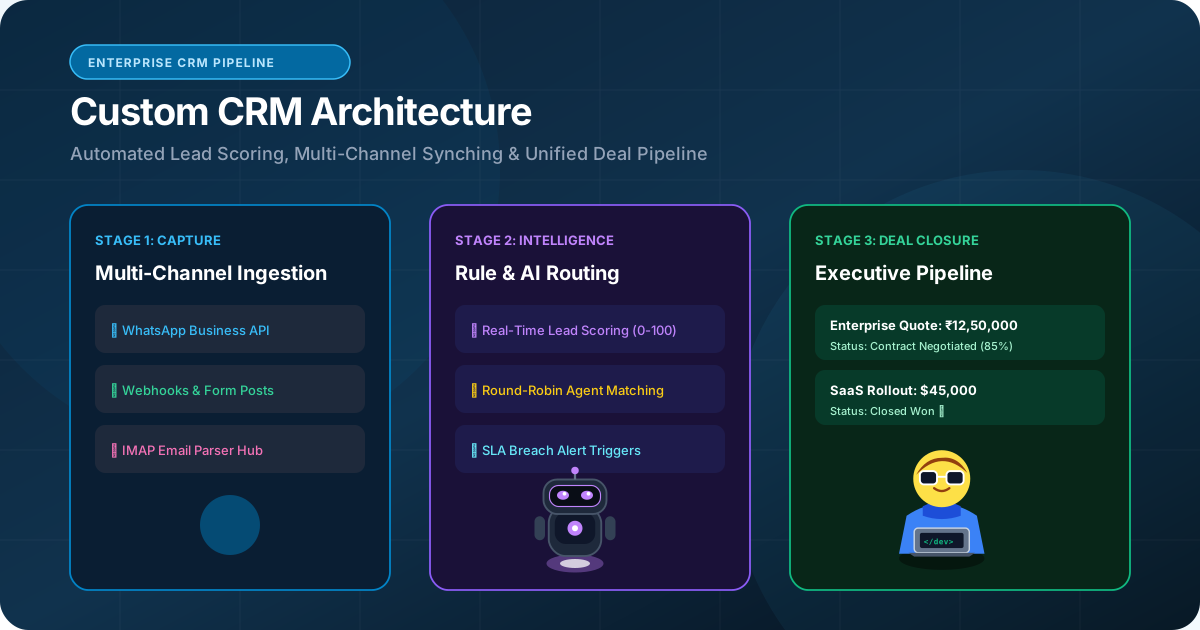
Custom CRM Development vs Off-the-Shelf CRM: Which Approach Fits Your Business?
Should your company build a custom CRM or subscribe to HubSpot/Salesforce? Compare total cost of ownership, workflow customization, data sovereignty, and business fit.
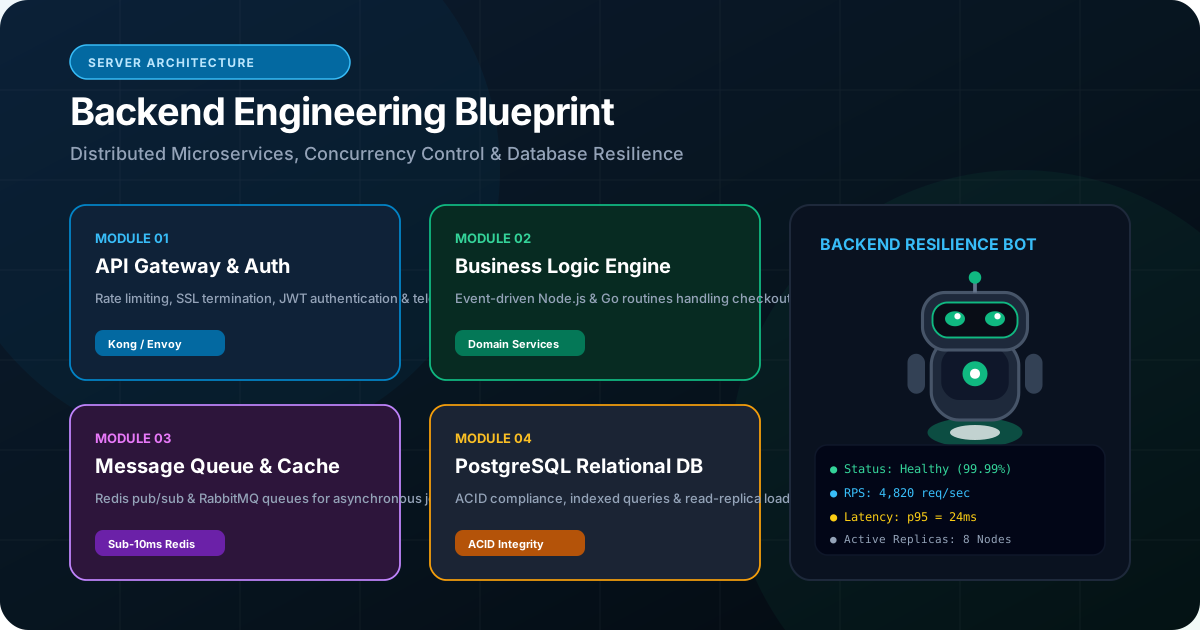
What Is Backend Development and Why Is It Important for Modern Web Applications?
Demystify backend development. Discover how server architectures, relational databases, Node.js, Python, and OWASP security protect and scale business web applications.