
How to Integrate a CRM With Your Website: Complete Technical Guide
A step-by-step engineering blueprint for routing web form submissions, inbound leads, and event telemetry directly into your CRM with zero data loss.


- 1. The Inbound Lead Crisis: Why Manual Routing Kills Conversions
- 2. The 7-Step Automated Lead Routing Pipeline
- 3. Direct REST APIs vs Webhooks vs Third-Party Middleware
- 4. Engineering Fault Tolerance: Queues, Retries & Idempotency
- 5. Lead Enrichment, Data Validation & Spam Defense
- 6. Platform Considerations: HubSpot, Salesforce & Custom CRMs
- 7. The CRM Integration Verification Checklist
In B2B commerce and high-value service industries, the speed of lead response is the single highest predictor of sales conversion. Academic research and sales performance data consistently prove that reaching out to an inbound website inquiry within 5 minutes increases conversion rates by nearly 400% compared to responding after 30 minutes. Yet in the vast majority of companies, inbound website leads still route to a shared company email inbox, where they sit unread for hours—or days—before an administrative assistant manually copies the prospect's details into a CRM. This manual lag leaks high-value revenue directly to competitors. In this comprehensive technical guide, RankVRA's API integration team outlines the end-to-end engineering architecture required to connect your website directly to your CRM with sub-second execution, zero data loss, and automated sales rep alerting.
CRM website integration is the technical process of connecting your website's lead capture forms, quote calculators, and user events directly to your Customer Relationship Management database (HubSpot, Salesforce, Zoho) via secure REST/GraphQL APIs and webhooks. A resilient architecture employs serverless API validation, cryptographic webhook signatures, and asynchronous queuing (Redis/BullMQ) to guarantee zero lead loss, automated lead assignment, and sub-60-second sales rep follow-ups.
1. The Inbound Lead Crisis: Why Manual Routing Kills Conversions
The operational cost of disconnected sales and marketing systems
Consider what happens during a typical disconnected sales workflow:
A prospective commercial insurance client or manufacturing buyer visits your website at 7:30 PM, researches your services, and completes a comprehensive quote inquiry form. In an unintegrated system, that form submission triggers a generic email notification that lands in an administrative inbox. By 9:00 AM the following morning, the prospect has already filled out forms on three competitor websites, received an immediate phone call from a responsive vendor, and committed their business.
Disconnected websites create three acute commercial failure points:
1. Sluggish Lead Response Velocity: Manual triage introduces hours of delay during the prospect's peak emotional purchasing intent.
2. Human Typographical Errors: Manual data entry results in misspelled email addresses, missing phone digits, and misplaced company notes.
3. Broken Marketing Attribution: When leads are manually typed into a CRM, critical marketing tracking parameters (UTM campaign, Google Ads keyword, referer URL) are lost, blinding your leadership team to true marketing ROI.
2. The 7-Step Automated Lead Routing Pipeline
How modern API engineering moves data from user clicks to closed deals
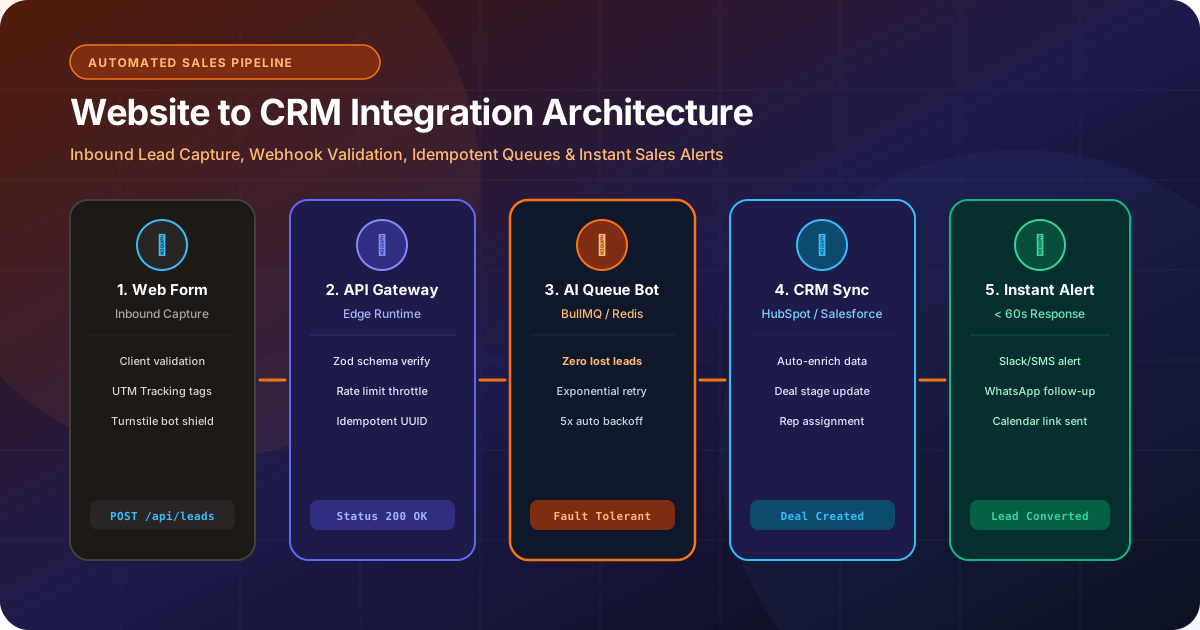
A resilient CRM integration operates as an automated 7-stage event pipeline:
Stage 1: Client-Side Capture & Sanitization: The user completes the web form. Client-side validation ensures fields are populated correctly, while invisible anti-bot verification (Cloudflare Turnstile) blocks automated spam.
Stage 2: Serverless API Validation: The form payload transmits to an edge API gateway (/api/leads) where data schemas are strictly validated (using Zod or Joi) and sanitized against malicious injection.
Stage 3: Idempotent Event Queuing: The lead payload is assigned a unique UUID and pushed into a high-speed background queue (Redis / BullMQ). Even if the destination CRM experiences a temporary API outage, the lead is safely preserved in memory.
Stage 4: CRM API Ingestion & Deduplication: A background worker consumes the queue, queries the CRM for existing contact records by email/phone, updates the existing profile or creates a new Contact, and opens a new Deal record.
Stage 5: Dynamic Sales Rep Routing: Business logic within the integration automatically assigns the deal to a sales representative based on territory, industry vertical, policy value, or round-robin availability.
Stage 6: Multi-Channel Instant Notification: The assigned sales rep receives an immediate push notification via Slack, SMS, or mobile CRM app with a direct 1-tap call button.
Stage 7: Automated Prospect Engagement: Within 30 seconds of submission, the prospect receives a personalized confirmation email and SMS from the assigned rep with a calendar link to book a consultation.
3. Direct REST APIs vs Webhooks vs Third-Party Middleware
Evaluating custom API connectors against Zapier and Make
When connecting a website to a CRM, teams typically evaluate three integration methodologies:
• Direct REST / GraphQL API Integration: Writing custom, type-safe backend code connecting directly to the CRM's native developer API. This provides maximum speed, absolute security, complete error-handling control, and zero ongoing third-party subscription costs. This is RankVRA's recommended approach for commercial applications.
• Webhooks: Event-driven HTTP POST notifications triggered when specific actions occur (e.g., when a user submits a multi-step form). Webhooks are exceptionally fast and lightweight.
• Third-Party Automation Middleware (Zapier / Make): Using no-code connectors. While convenient for non-technical teams testing a concept, middleware introduces notable risks: monthly task limits that drop leads during traffic spikes, delayed execution intervals (up to 15-minute polling delays on free/starter tiers), and fragile third-party authentication tokens that frequently disconnect without warning.
Relying on generic third-party middleware for high-value B2B lead generation is dangerous. When your Google Ads campaign drives a surge of 200 leads in an afternoon, Zapier task limits can silently pause execution, leaving leads stuck in limbo for days.
4. Engineering Fault Tolerance: Queues, Retries & Idempotency
Ensuring zero lost leads during CRM downtime or network timeouts
In high-volume commercial software, external third-party APIs will occasionally experience service degradations, HTTP 504 gateway timeouts, or strict rate-limit blocks (HTTP 429 Too Many Requests).
An amateur integration makes an API call synchronously during the user's form submission. If the CRM is down for 30 seconds, the user sees an ugly 'Server Error' message, and the lead is permanently vaporized.
Professional backend engineering enforces fault-tolerant resilience:
• Asynchronous Message Queuing: The frontend form receives an instant HTTP 200 Success response the moment the payload enters your internal Redis queue. The visitor experiences zero waiting time.
• Exponential Backoff & Retries: If the CRM API returns an error, the queue worker automatically retries the transmission after 5 seconds, then 30 seconds, then 2 minutes, up to 5 attempts.
• Dead-Letter Queues (DLQ): If all retries fail, the payload moves to a persistent Dead-Letter Queue and triggers an emergency alert to your engineering team, guaranteeing zero leads are ever dropped.
• Idempotency Keys: Every lead transaction carries a cryptographic UUID header preventing duplicate contact or deal creation if an API request is retried.
5. Lead Enrichment, Data Validation & Spam Defense
Turning anonymous form fields into comprehensive commercial intelligence
A high-performing CRM integration does far more than pass names and phone numbers; it enriches the record with valuable commercial context:
• Full Marketing Attribution: Capturing Google Click IDs (GCLID), UTM source, medium, campaign name, landing page URL, and referring domain to ensure closed-loop revenue attribution.
• Automated Lead Scoring: Calculating lead qualification scores based on employee count, stated budget, and commercial insurance coverage lines to prioritize enterprise deals for senior account executives.
• Geolocation & Company Enrichment: Parsing the user's IP address to automatically populate city, country, company domain, and time zone so sales reps call at appropriate business hours.
• Frictionless Spam Mitigation: Utilizing Cloudflare Turnstile or reCAPTCHA v3 invisible verification rather than frustrating visual puzzles that harm conversion rates.
6. Platform Considerations: HubSpot, Salesforce & Custom CRMs
Architectural nuances across major enterprise CRM platforms
Each CRM platform introduces specific technical conventions:
• HubSpot CRM: Highly developer-friendly REST API. Uses private app access tokens with granular OAuth scopes. Best-in-class support for custom object properties, timeline event logging, and automated deal pipeline automation.
• Salesforce Sales Cloud: Enterprise-grade REST/Bulk API. Requires strict OAuth 2.0 authentication (Connected Apps) and careful handling of daily API governor limits. Highly optimized for complex multi-tier enterprise approval hierarchies.
• Zoho CRM: Requires OAuth 2.0 token refresh workflows. Highly cost-effective for mid-market organizations needing robust lead assignment rules.
• Proprietary / Custom CRMs: For companies requiring bespoke operational workflows, RankVRA engineers custom CRM applications built on Next.js, Node.js, and PostgreSQL, providing total workflow customization with zero per-seat subscription overhead.
7. The CRM Integration Verification Checklist
Pre-launch audit steps to verify pipeline integrity
Audit your CRM website integration against these technical standards:
• Verify that all website form fields map accurately to corresponding custom CRM properties.
• Test form submission under simulated network failure to confirm queue retry logic operates correctly.
• Validate that UTM parameters and marketing tracking tokens are preserved in the CRM Deal record.
• Confirm that automated sales rep notifications (Slack/SMS) fire within 60 seconds of submission.
• Ensure API credentials and secret keys are securely stored in server environment variables, never exposed in client-side JavaScript.
Key Strategic Takeaways
- Automated CRM integration compresses lead response time from hours to under 60 seconds, drastically lifting sales conversion.
- Direct API integration with asynchronous queuing (Redis/BullMQ) prevents lead loss during third-party CRM downtime.
- Capture full marketing attribution tokens (UTM, GCLID) to enable closed-loop revenue reporting.
- Avoid relying on fragile third-party middleware (Zapier) for mission-critical commercial lead funnels.
- Consult with RankVRA's [API integration team](/services/api-integration) to connect your website directly to your sales pipeline.
The Bottom Line & Next Steps
Your website's primary commercial objective is to generate qualified customer demand; your CRM's objective is to convert that demand into contracted revenue. By engineering a resilient, high-speed API bridge between them, you eliminate manual administrative bottlenecks, empower your sales team with instant actionable intelligence, and capture maximum revenue from every marketing dollar.
Questions Business Leaders Ask About CRM website integration
Can our website integrate with HubSpot and Salesforce at the same time?▾
Yes. In advanced enterprise architectures, an edge API gateway can ingest a form submission, push the lead to HubSpot for marketing email automation, and simultaneously create an opportunity in Salesforce for the enterprise sales team, maintaining synchronized records across both platforms.
How long does it take to build a custom CRM website integration?▾
A standard custom API integration connecting website forms to HubSpot or Salesforce with field mapping, validation, and automated notifications typically requires 1 to 3 weeks of engineering, testing, and deployment.
Will integrating our CRM slow down our website loading speed?▾
Not when built with professional decoupled engineering. The CRM integration executes asynchronously on the server backend or via serverless cloud functions. The user's browser never communicates directly with the CRM, ensuring zero impact on frontend loading speed or Core Web Vitals.
What happens if a prospect submits a form while our CRM is down for maintenance?▾
With RankVRA's resilient queue architecture, the lead payload is securely written to a Redis message queue before attempting delivery. The queue worker continuously retries transmission with exponential backoff until the CRM comes back online, guaranteeing zero lost leads.

Written by Naveen Panchal
AuthorFounder & Lead Technical Architect, RankVRA
Naveen Panchal is the Founder and Technical Director of RankVRA. He specializes in full-stack web engineering, Next.js architecture, and high-performance digital systems for clients across the US, UK, Canada, and India.
Explore Core Commercial Capabilities
Bespoke REST & GraphQL connectors for CRMs, ERPs, and cloud databases.
Fault-tolerant serverless runtimes, queues, and database architecture.
Automated WhatsApp bots and intelligent lead triage pipelines.
Bespoke proprietary CRM software without recurring per-seat fees.
- HubSpot: HubSpot CRM Developer API DocumentationOfficial Reference
- Salesforce: Salesforce REST API Developer GuideOfficial Reference
- OWASP: OWASP API Security Top 10Official Reference
Ready to Automate Your Website Lead Routing Pipeline?
Connect your website directly to your sales CRM with zero lead drops and instant sales rep alerts. Speak with RankVRA API architects to review your sales pipeline workflows today.
Related Growth Blueprints
Explore more strategic articles from the RankVRA engineering desk.
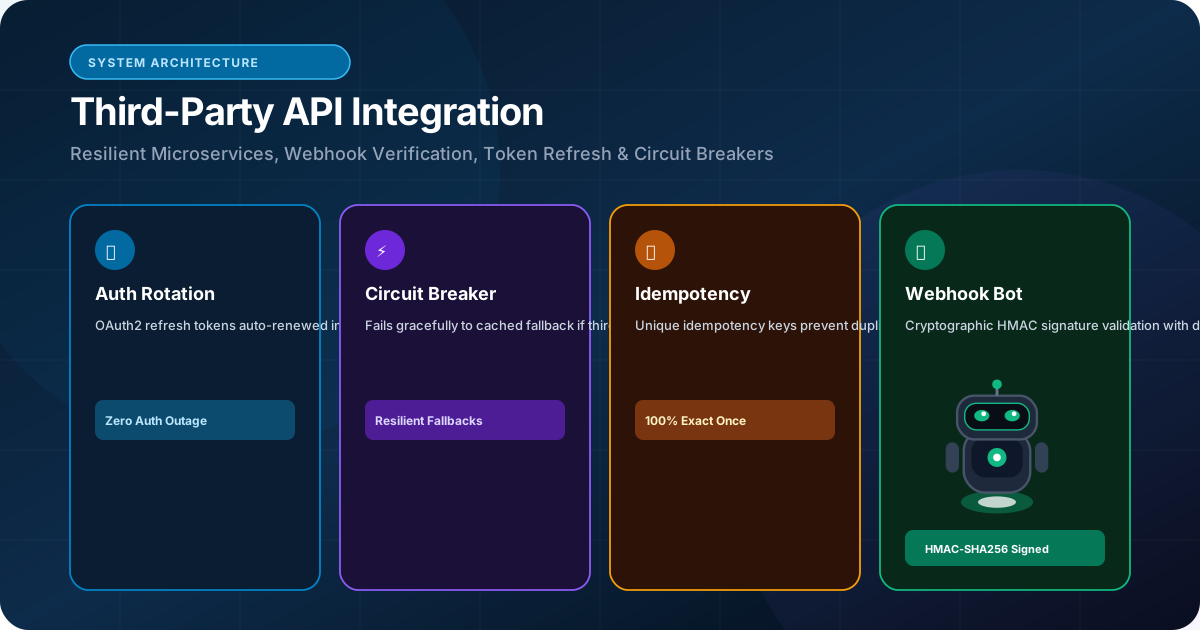
How Third-Party API Integrations Improve Business Automation: A Technical Deep Dive
Discover how third-party API integrations eliminate operational silos, automate lead routing, sync enterprise ERPs, and scale business efficiency.
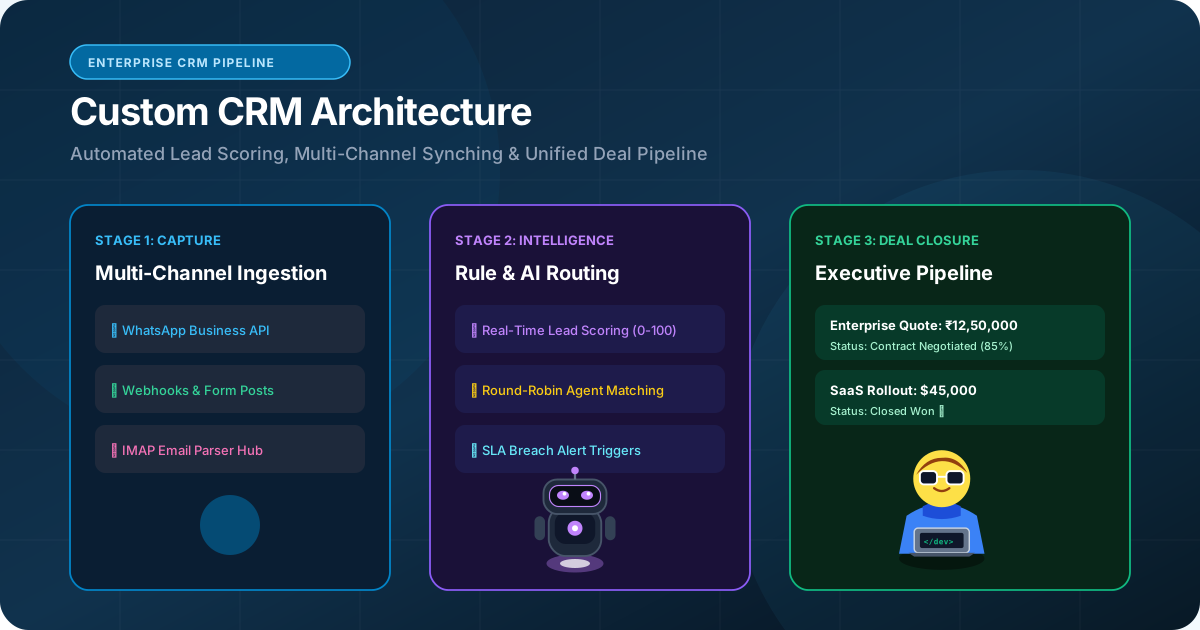
Custom CRM Development vs Off-the-Shelf CRM: Which Approach Fits Your Business?
Should your company build a custom CRM or subscribe to HubSpot/Salesforce? Compare total cost of ownership, workflow customization, data sovereignty, and business fit.
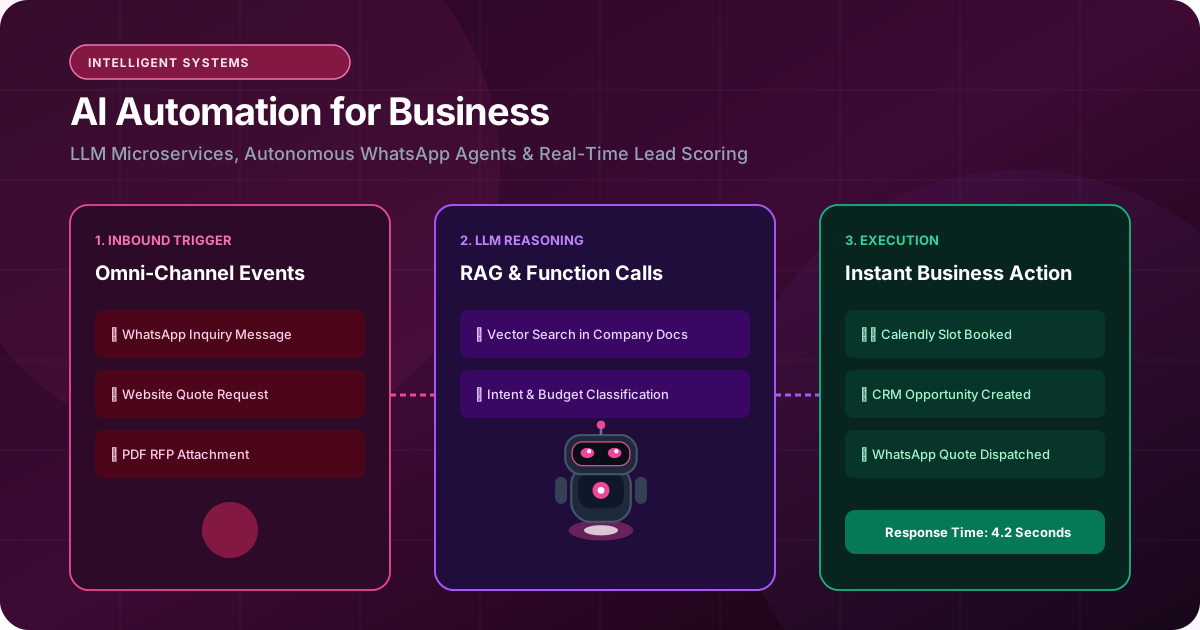
How AI Automation Can Transform a Business Website and Web Application
Discover how AI automation transforms static websites into intelligent business engines. Learn how to deploy AI lead triage, WhatsApp Business bots, and LLM workflows.
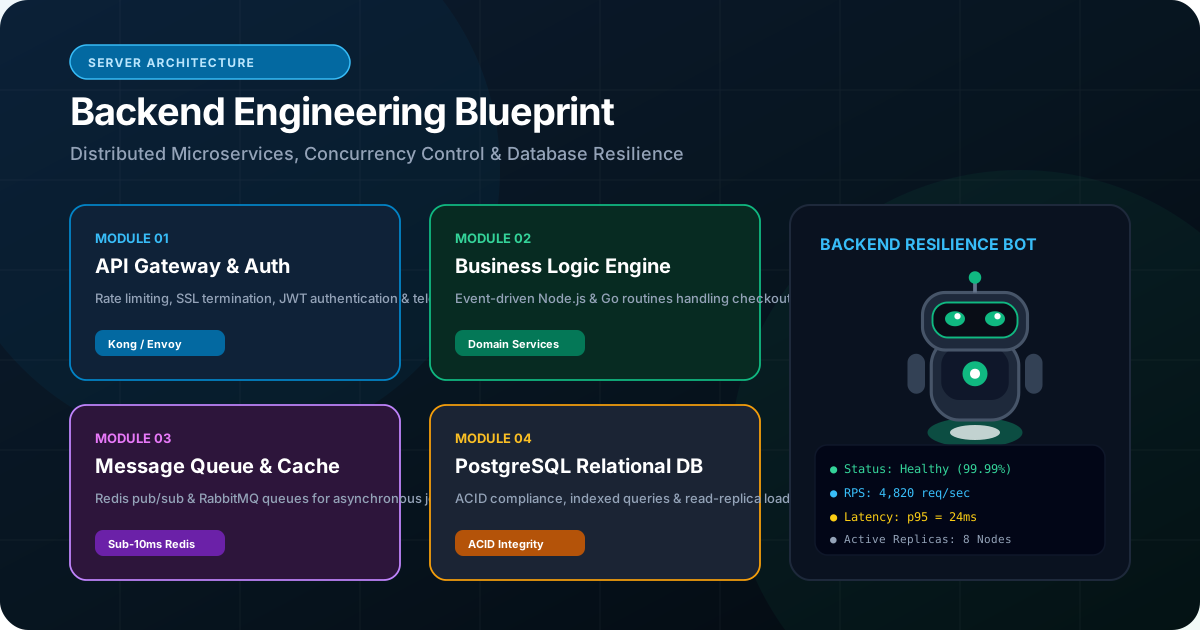
What Is Backend Development and Why Is It Important for Modern Web Applications?
Demystify backend development. Discover how server architectures, relational databases, Node.js, Python, and OWASP security protect and scale business web applications.