
Website vs Web Application: What Is the Difference?
A business leader's guide to distinguishing informational digital storefronts from dynamic, interactive software platforms.

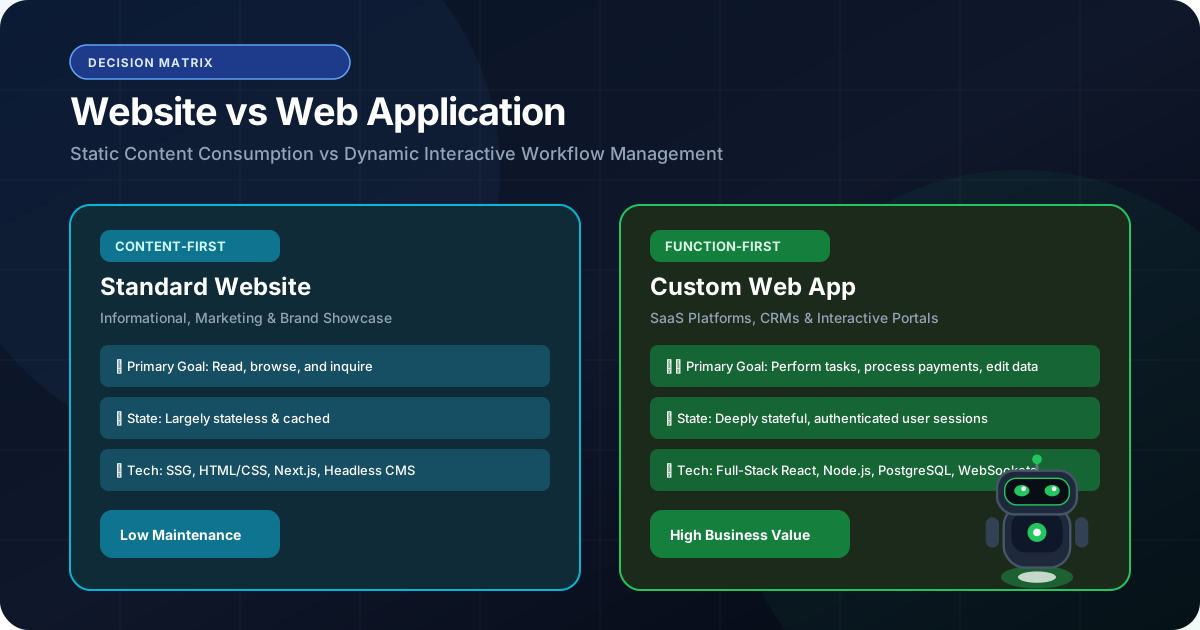
- 1. The Fundamental Distinction: Information vs Computation
- 2. The Anatomy of a Modern Business Website
- 3. The Anatomy of a Modern Web Application
- 4. Detailed Technical & Architectural Comparison
- 5. The Hybrid Platform: Marketing Website + Private Web App
- 6. Decision Framework: What Does Your Company Need to Build?
- 7. Architectural & Budget Implications
In everyday conversation, people frequently use the terms 'website' and 'web application' interchangeably. A founder might say, 'We need to build a website for our insurance brokerage,' when what they actually require is a complex multi-tenant submission portal with role-based access, document parsing, and real-time underwriter task assignment. Conversely, a startup might believe they need a full-blown custom web application when a high-speed, SEO-optimized marketing website would capture leads at a fraction of the cost. Confusing these two digital formats leads to misplaced budgets, incorrect technology stacks, and misaligned business expectations. This guide clarifies the technical and operational differences between websites and web applications, helping you commission the exact solution your business requires.
The primary difference between a website and a web application is interactivity and state. A website is primarily informational—delivering content, building brand trust, and capturing inbound leads. A web application is dynamic software running in a browser—requiring user authentication, processing complex business logic, manipulating database records, and executing operational tasks.
1. The Fundamental Distinction: Information vs Computation
Consumption vs manipulation: how users interact with your digital asset
At its simplest conceptual level, the difference lies in user intent:
A Website is designed for consumption. The visitor arrives to read articles, review service offerings, evaluate case studies, check pricing guidelines, and submit an inquiry form. The core flow of data is one-directional: from the server to the visitor's eyes.
A Web Application is designed for manipulation. The user logs in to perform tasks: calculate loan amortizations, approve insurance submissions, update inventory counts, manage customer pipelines, or configure account settings. The flow of data is bidirectional and stateful: the user continually inputs data, the server processes logic, and the database updates permanently.
While both operate inside a web browser, their underlying engineering architectures are fundamentally different.
2. The Anatomy of a Modern Business Website
Optimized for speed, search engine discoverability, and lead acquisition
A modern corporate website design & development project focuses on three primary commercial goals:
• Search Engine Optimization (SEO): Ensuring Google and AI search engines can easily discover, crawl, and index your service pages, location hubs, and thought leadership articles.
• Brand Authority & Credibility: Communicating institutional prestige through sub-second page loads, elegant typography, verified client case studies, and compliance certifications.
• Inbound Conversion Funnels: Guiding visitors effortlessly toward primary conversion triggers: booking a consultation, downloading an industry report, or contacting the sales desk via WhatsApp.
Websites are engineered using Server-Side Rendering (SSR) and Static Site Generation (SSG) via Next.js to guarantee sub-second Largest Contentful Paint (LCP) and zero layout shift.
3. The Anatomy of a Modern Web Application
Software running in the cloud with authenticated users and complex state
In contrast, a custom web application is actual operational software:
• Complex Authentication & Authorization: Multi-tier user authentication (OAuth2, MFA) with granular Role-Based Access Control (RBAC) ensuring data boundaries between different team members or external clients.
• Rich Interactive State Management: Handling real-time inputs, inline data editing, drag-and-drop workflow kanbans, dynamic data filtering, and live notifications without page refreshes.
• Deep Database Operations (CRUD): Constantly Creating, Reading, Updating, and Deleting records in a normalized relational database (such as PostgreSQL) with strict transaction safety.
• Third-Party Enterprise API Pipelines: Communicating continuously with payment gateways (Stripe), messaging networks (WhatsApp Cloud API), and internal ERPs.
4. Detailed Technical & Architectural Comparison
Side-by-side evaluation of technical characteristics
The following matrix summarizes the fundamental differences across both formats:
| Feature / Dimension | Modern Business Website | Custom Web Application |
|---|---|---|
| Primary Purpose | Information, Brand Authority, Lead Generation | Task Execution, Data Processing, Workflow Automation |
| User Interaction | Primarily Reading & Submitting Forms | Data Manipulation, Dashboard Views, Account Management |
| Authentication | None or Basic (Public Access) | Mandatory Secure Auth (JWT, Session Cookies, MFA, RBAC) |
| SEO Priority | Critical (Must Rank in Organic Search) | Secondary (Most Views Are Behind Private Login Walls) |
| Data Complexity | Read-Heavy, Relatively Static Content | Write-Heavy, Highly Dynamic Relational Schemas |
| Hosting Architecture | Edge CDN / Static Pre-rendering | Containerized Servers (Docker), Relational DBs, Redis |
| Development Timeline | 3 to 6 Weeks | 8 to 16+ Weeks |
| Representative Examples | Capital & Co Insurance, E-Biozone | Sterling Wholesale Portal, Custom CRMs, SaaS Platforms |
5. The Hybrid Platform: Marketing Website + Private Web App
The dominant architecture for modern scaling enterprises
For most ambitious companies, the optimal strategy is not choosing one over the other, but engineering a seamless Hybrid Platform:
• Public Marketing Tier: A lightning-fast, public Next.js website engineered to dominate search rankings for high-intent keywords across target markets (US, UK, Canada, India), convert organic searchers, and explain service offerings.
• Private Authenticated Tier: A secure sub-domain or protected route (e.g., app.yourcompany.com) housing the custom web application, client portal, or operations dashboard.
Both tiers share your company's design system, typography, and branding primitives, providing users with a frictionless journey from initial Google discovery to secure daily software usage.
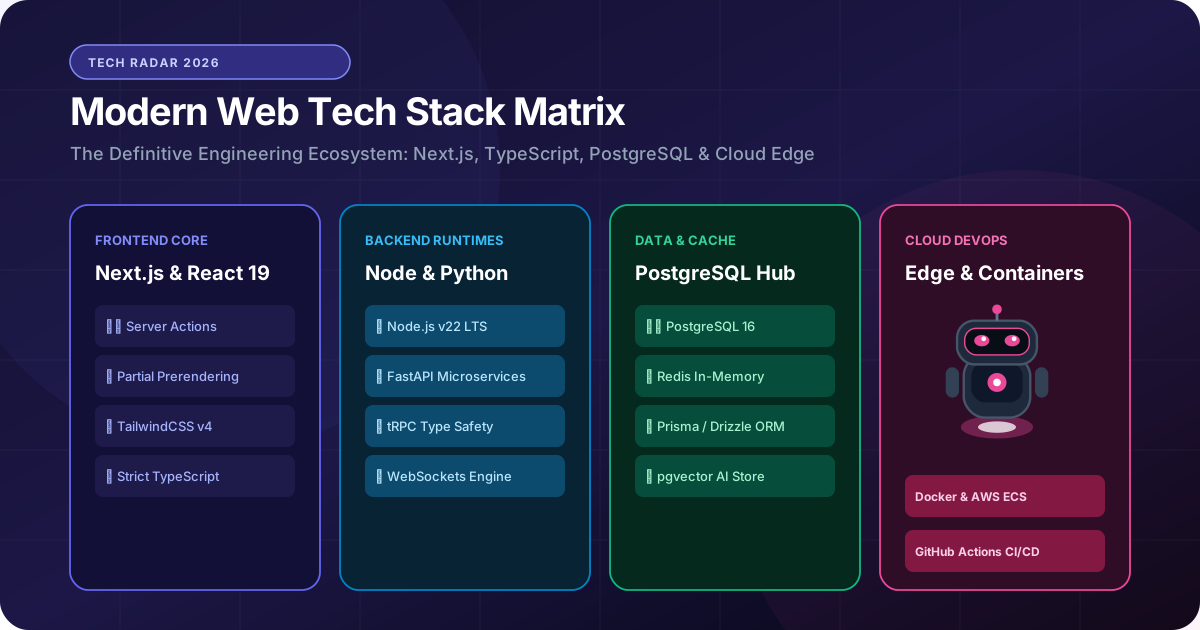
6. Decision Framework: What Does Your Company Need to Build?
A diagnostic to clarify your project scope before hiring an agency
Ask your leadership team these four diagnostic questions:
1. Do users need to create personal accounts and log in with unique passwords? If yes → You need a Web Application.
2. Is your main goal to attract organic search traffic and generate telephone/form inquiries? If yes → You need a Modern Business Website.
3. Do team members or clients need to upload, review, approve, and track proprietary business files? If yes → You need a Web Application (Client Portal).
4. Are you selling physical or digital products with instant online checkout? If yes → You need an E-commerce Web Development solution.
Clear answers to these questions prevent you from overpaying for unnecessary software features or under-engineering a system that fails to meet operational needs.
7. Architectural & Budget Implications
Aligning investment with commercial returns
Recognizing whether you are building a website or a web application directly impacts your budgeting and timeline expectations:
A high-performing marketing website requires senior UX design, conversion copywriting, Core Web Vitals optimization, and Schema.org structured data. It can typically be launched within 4 to 6 weeks with modest ongoing cloud hosting.
A custom web application requires extensive backend database modeling, API contract testing, security hardening, and continuous QA testing. It represents a deeper capital investment, but one that directly scales operational capacity and eliminates ongoing SaaS licensing costs.
The Bottom Line & Next Steps
Websites and web applications serve complementary roles in a modern digital enterprise. Your website is your 24/7 global marketing representative that captures demand and builds institutional trust; your web application is the digital factory that fulfills orders, manages clients, and automates operations. Knowing which solution your business needs at each stage of growth is the key to maximizing technological ROI. Discuss your project with RankVRA today to determine the optimal solution for your company.
Questions Business Leaders Ask About website vs web application
Can a website evolve into a web application over time?▾
Yes. In fact, many companies start with a high-speed Next.js marketing website and later add an authenticated /portal route or client dashboard as business requirements expand. Because Next.js is a full-stack framework, adding authenticated backend logic does not require rebuilding the marketing frontend.
Is Google Docs a website or a web application?▾
Google Docs is a classic web application. While you access it through a standard browser URL, you log in, create and edit documents, collaborate in real time with others, and store files in cloud databases. It is sophisticated software running inside the browser.
Do web applications need SEO?▾
Public marketing pages associated with a web application (such as the landing page, features overview, and pricing page) require aggressive SEO. However, pages behind the authentication login screen are private and cannot—and should not—be indexed by search engines.

Written by Naveen Panchal
AuthorFounder & Lead Technical Architect, RankVRA
Naveen Panchal is the Founder and Technical Director of RankVRA. He specializes in full-stack web engineering, Next.js architecture, and high-performance digital systems for clients across the US, UK, Canada, and India.
Explore Core Commercial Capabilities
High-speed business website engineering
Bespoke business portals & operational software
Conversion-first custom website design
Unified client-to-database engineering
Multi-tenant software-as-a-service platforms
- Mozilla Developer Network: MDN Web Docs: Introduction to Web ApplicationsOfficial Reference
- World Wide Web Consortium: W3C Web Architecture PrinciplesOfficial Reference
- Google Search Central: Google Search Central: Managing Single Page Applications & Web AppsOfficial Reference
Find the Right Solution for Your Business
Unsure whether your company needs a high-speed marketing website, a custom client portal, or an integrated hybrid platform? Consult with RankVRA to determine the exact technical architecture that delivers maximum business value.
Related Growth Blueprints
Explore more strategic articles from the RankVRA engineering desk.
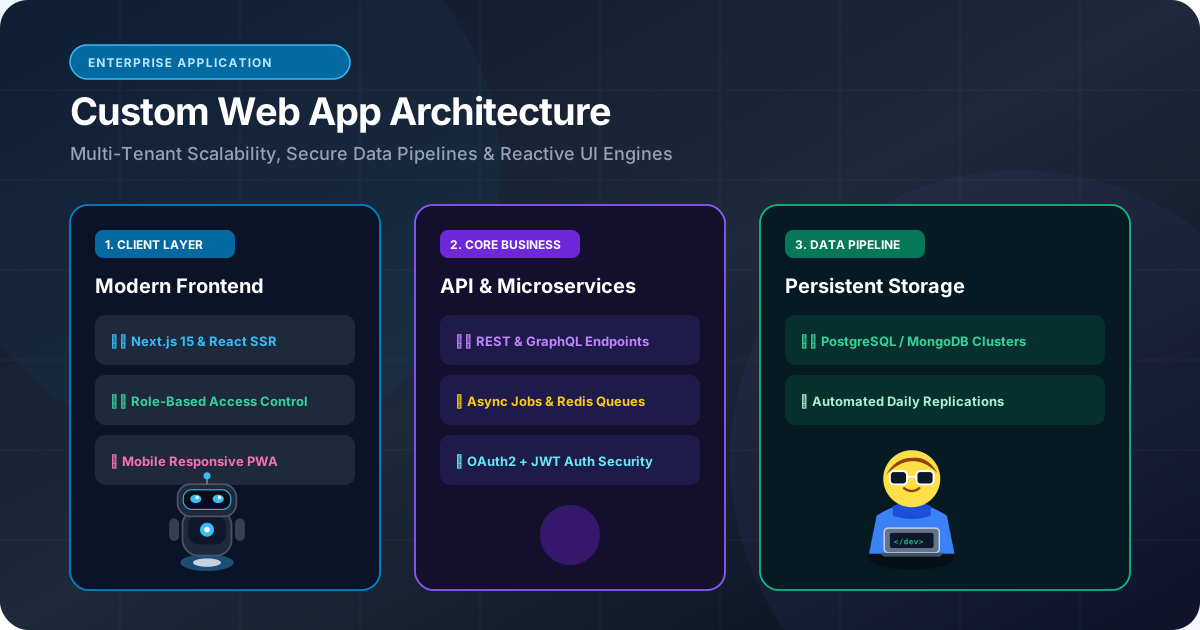
Custom Web Application Development: When Should a Business Build a Custom Web App?
When should a business build custom web applications instead of subscribing to SaaS? Learn how custom portals, wholesale dashboards, and bespoke workflows deliver compounding ROI.
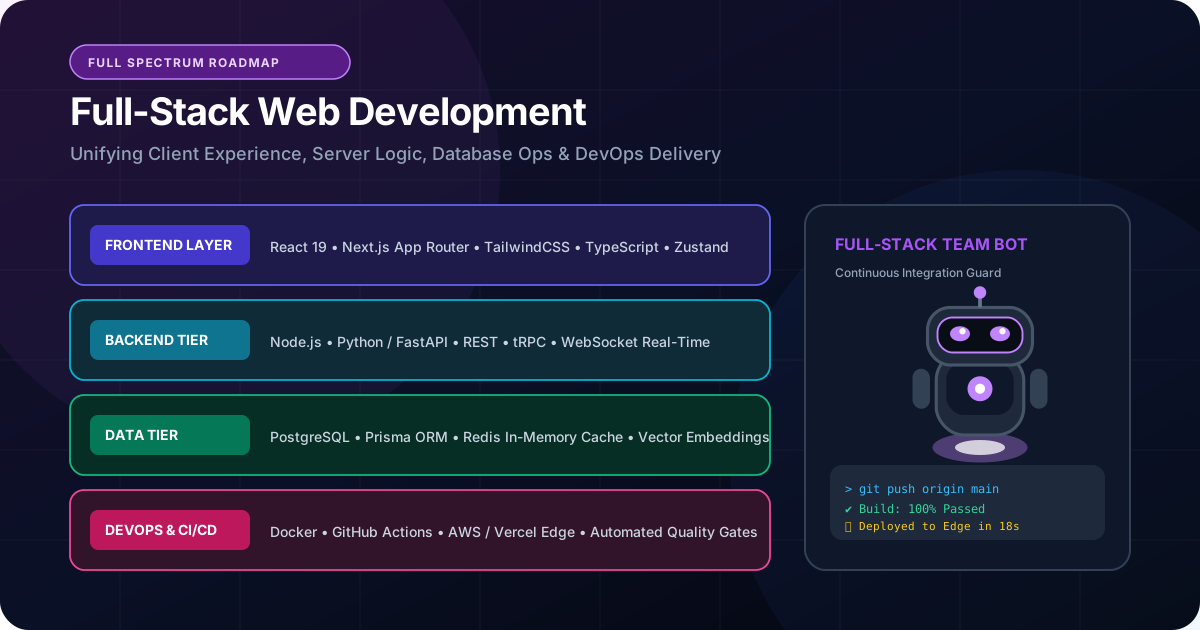
What Is Full-Stack Web Development? Frontend, Backend and APIs Explained
Demystify full-stack web development. Learn how frontend interfaces, backend servers, relational databases, and REST APIs connect to deliver business web platforms.
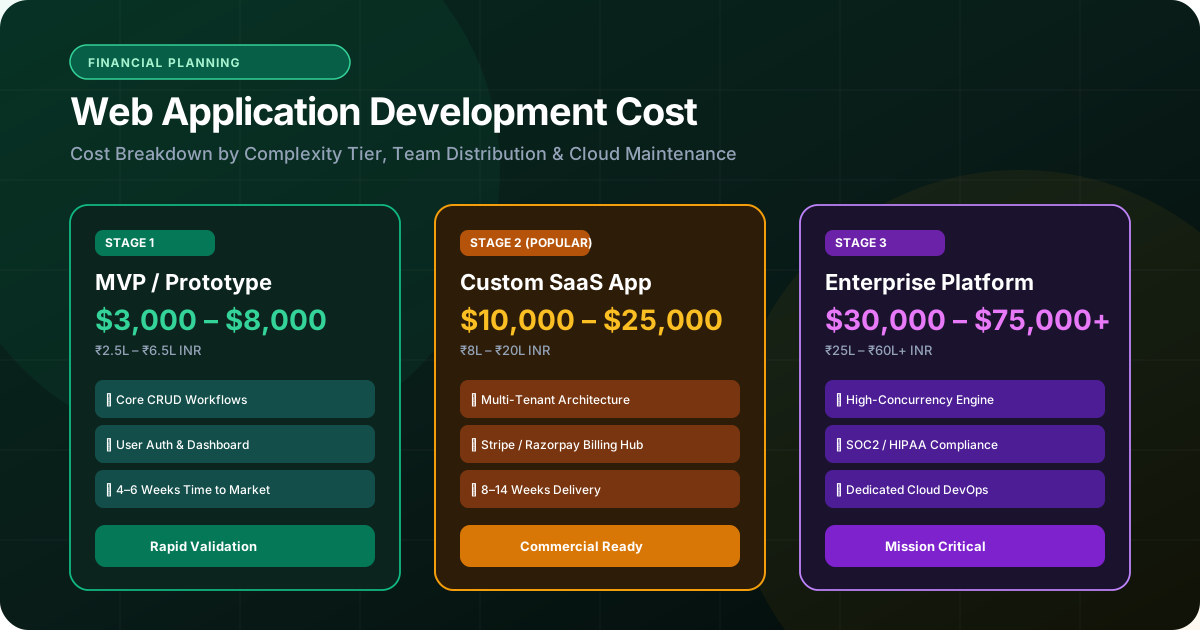
How Much Does Custom Web Application Development Cost? The Definitive Business Guide
Understand what dictates custom web application development cost. Learn the real factors—complexity, integrations, databases, and security—that determine software investment.