
Google Business Profile Optimization: How to Rank #1 on Google Maps in 2026
The definitive local search framework to dominate the Google 3-Pack, trigger proximity signals, and generate consistent customer phone calls.

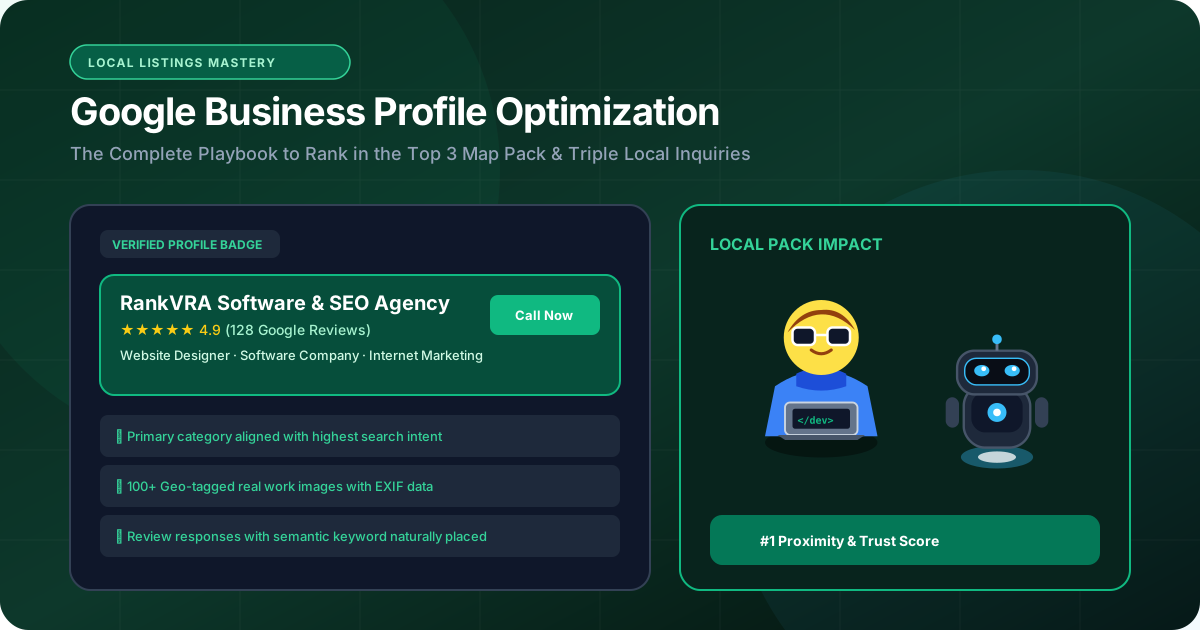
- 1. How the Google Local Algorithm Ranks Businesses Today
- 2. Selecting Primary & Secondary Categories Without Suspensions
- 3. Geo-Tagged Photos, Attributes, and Services Optimization
- 4. The Review Engine: Generating Keyword-Rich Customer Feedback
- 5. Beating Proximity Filters & Expanding Your Map Ranking Radius
- 6. Common Google Business Profile Mistakes and Penalties
When a potential client searches for a local service—whether it is a boutique hotel in Udaipur, a dental clinic in Jaipur, or a web design agency—over 65% of all mobile clicks go directly to the Google Local 3-Pack (the top 3 business profiles displayed alongside Google Maps). Ranking #4 or #10 on Maps is equivalent to being invisible. Google Business Profile (formerly Google My Business) is the single most powerful free revenue generator for local and regional businesses, yet over 85% of profiles are poorly optimized, filled with spammy keyword stuffing, or missing essential entity signals. This blueprint reveals the exact algorithmic triggers required to achieve and maintain #1 positions on Google Maps in 2026.
1. How the Google Local Algorithm Ranks Businesses Today
The triad of Relevance, Distance, and Prominence
Google's local ranking algorithm calculates position using three distinct factors: Relevance (how well your business profile matches the user's intent), Distance (the physical proximity between the searcher and your verified address), and Prominence (how authoritative and well-regarded your business is across the digital ecosystem).
While distance was historically the dominant factor, recent algorithmic updates heavily favor Prominence and Relevance. A business located 5 kilometers away can easily outrank a competitor 500 meters away if its profile possesses superior category mapping, higher review velocity, and stronger local website citations.
- Relevance: Controlled by primary category, secondary categories, service catalog, and website landing page alignment.
- Distance: User's physical GPS location relative to your verified operational address.
- Prominence: Review volume, star average, velocity of new reviews, photo engagement, and external NAP citations.
2. Selecting Primary & Secondary Categories Without Suspensions
The single heaviest algorithmic ranking factor on Google Maps
Your Primary Category carries more algorithmic weight than your business name, description, and website combined. Choosing the wrong primary category can instantly disqualify your profile from appearing in relevant 3-Pack searches.
Analyze the top 3 ranking competitors for your primary service keyword using local search grid tools. Note their primary category and mirror it exactly. Add up to 4 to 6 relevant Secondary Categories to capture secondary search intents, but avoid category dilution (e.g., adding unrelated categories that confuse Google's semantic classifier).
Crucially, avoid keyword stuffing in your official Business Name (e.g., 'Apex Clinic - Best Dentist in Udaipur'). Google's automated fraud detection and manual community edits aggressively suspend profiles with fake names, wiping out years of hard-won reviews.
Adding keywords like 'Best Web Design Company' to your legal business name risks instant 'Hard Suspension'. Keep your registered name authentic, and win rankings through categories, reviews, and website relevance.
3. Geo-Tagged Photos, Attributes, and Services Optimization
Demonstrating active real-world operations to Google's Vision AI
Google rewards active, living profiles. Profiles that upload authentic high-resolution photos weekly receive 42% more requests for driving directions and 35% more website click-throughs.
Upload real photos of your office interior, team at work, equipment, and customer handoffs. Google's Cloud Vision AI scans images to identify physical business context, signage, and real-world legitimacy.
Fill out 100% of available profile attributes: appointment links, service catalogs with detailed pricing/descriptions, amenities, and accessibility options. Each completed attribute provides another semantic anchor for local voice and text search queries.
4. The Review Engine: Generating Keyword-Rich Customer Feedback
Why steady review velocity beats a stagnant burst of 5-star ratings
Google's algorithm prioritizes Review Velocity (the consistent steady rate of incoming new reviews) over total review count. A business with 150 reviews that receives 3 new reviews every week will consistently outrank a competitor with 300 reviews that hasn't received a new review in six months.
Furthermore, keywords mentioned inside review text directly boost your ranking for those specific search terms. When happy clients naturally write 'Naveen and the RankVRA team built an incredible high-speed Next.js website for our resort in Udaipur', Google's NLP extracts 'high-speed Next.js website' and 'resort Udaipur' as verified trust signals.
| Optimization Factor | Algorithmic Weight | Action Plan |
|---|---|---|
| Primary Category | Extremely High (35%) | Match top ranking competitor's primary category precisely |
| Review Velocity & Keywords | Very High (25%) | Implement automated post-service WhatsApp review request links |
| Website Local Landing Page | High (20%) | Embed Google Map, LocalBusiness schema, and exact matching NAP |
| Secondary Categories | Moderate (10%) | Add 3-5 tightly related categories without category dilution |
| Photo Upload Cadence | Moderate (10%) | Upload 3-5 authentic high-res workplace photos every week |
5. Beating Proximity Filters & Expanding Your Map Ranking Radius
How to rank across the entire city, not just in your immediate neighborhood
Most businesses only rank within 500 meters of their office building. To expand your ranking radius across the entire metropolitan area, your linked website must feature dedicated location landing pages.
Ensure your website's footer features your exact Name, Address, and Phone number (NAP) matching your Google profile character-for-character, wrapped in valid LocalBusiness JSON-LD structured data. Embed an official Google Maps iframe and link back to your Google Place ID to create an unbreakable entity loop.
6. Common Google Business Profile Mistakes and Penalties
Avoiding shadow-bans, review filtering, and permanent listing deletions
Never purchase fake reviews from Telegram or freelance brokers. Google's machine learning spam filters detect suspicious IP bursts, resulting in review wipes or permanent listing suspensions.
Similarly, avoid using virtual office addresses or co-working spaces without a dedicated physical lease and permanent exterior signage. Maintain strict address authenticity to ensure your local lead pipeline remains bulletproof for years to come.
The Bottom Line & Next Steps
Google Business Profile optimization is the bedrock of local customer acquisition. A perfectly tuned profile generates inbound calls, appointment bookings, and foot traffic on autopilot. At RankVRA, we help local enterprises, clinics, hotels, and service providers dominate local search rankings across Rajasthan and India. Discover our local SEO services, explore our case studies, or book a Free Growth Audit today.
Questions Business Leaders Ask About Google Business Profile Optimization
How long does it take to rank in the Google Maps 3-Pack after optimizing my profile?▾
Initial ranking improvements often appear within 14 to 30 days following category optimization, NAP synchronization, and review generation. Expanding your ranking radius across the wider metropolitan area typically takes 60 to 90 days as local domain authority builds.
Can I use a virtual office address or P.O. Box for Google Business Profile?▾
No. Google strictly prohibits virtual offices, P.O. boxes, and shared unstaffed co-working addresses. Attempting to verify an unstaffed address leads to permanent listing suspensions. Always use a genuine, verifiable physical business premises.
Why did Google filter out or delete genuine reviews from my customers?▾
Google's automated review filter removes reviews if multiple customers post from the same Wi-Fi IP address (such as connecting to your office Wi-Fi), if the reviewer's Google account is brand new with zero history, or if the review contains prohibited links or aggressive commercial phrasing.
How do customer reviews with specific keywords help my Google Maps ranking?▾
Google's Natural Language Processing (NLP) extracts terms mentioned inside customer reviews. When clients write about specific services (e.g., 'hotel room booking', 'SEO audit', 'dental implants'), Google correlates those keywords with your business entity, boosting your rankings for those specific queries.

Written by Naveen Panchal
AuthorFounder & Lead Technical Architect, RankVRA
Naveen Panchal is the Founder and Technical Director of RankVRA. He specializes in full-stack web engineering, algorithmic search optimization, and performance funnels for hospitality, manufacturing, and local service enterprises across Rajasthan and internationally.
Want to implement these strategies for your business?
RankVRA engineers high-speed web platforms, localized Google Maps dominance, and algorithmic SEO funnels that turn searchers into long-term clients.
Related Growth Blueprints
Explore more strategic articles from the RankVRA engineering desk.
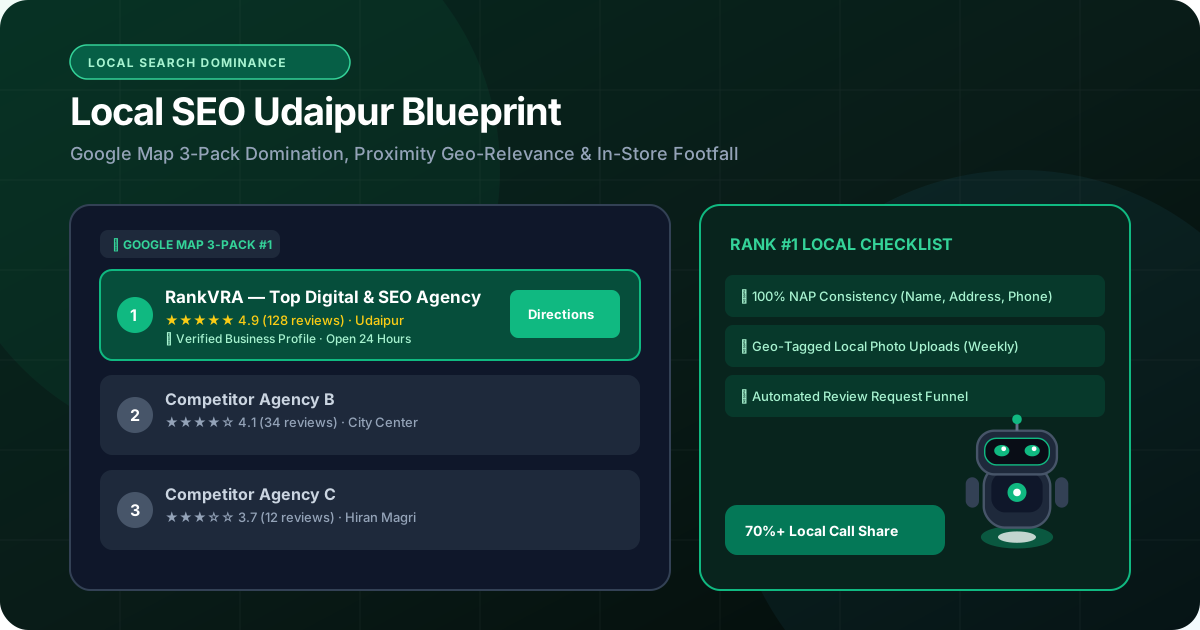
Local SEO for Businesses in Udaipur: How to Rank in Google Maps 3-Pack (2026)
Master Local SEO in Udaipur. Learn how to optimize your Google Business Profile, dominate the Google Maps 3-pack, generate verified local reviews, and attract paying customers.
SEO Agency in Udaipur: How to Choose the Right Partner for Real Business Growth
Looking for an SEO agency in Udaipur? Discover the exact criteria, essential technical capabilities, red flags to avoid, and the questions to ask before signing a retainer.
Direct Hotel Bookings in Udaipur: How Independent Resorts & Heritage Hotels Beat 25% OTA Commissions
Learn how independent hotels and heritage resorts in Udaipur can escape heavy OTA commissions and drive lucrative direct bookings through search, Google Maps, and fast booking UX.