
Frontend Development: How Modern Websites Deliver Fast and Interactive Experiences
An engineering deep dive into React 19, Next.js Server Components, Core Web Vitals, and sub-second user experience.

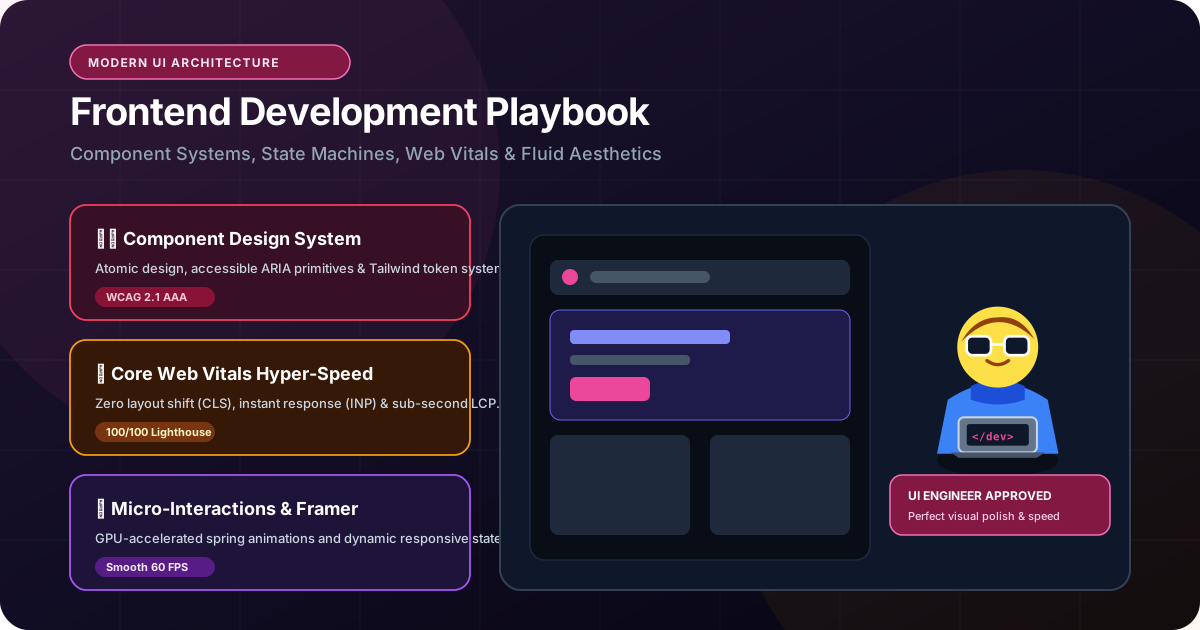
- 1. The Evolution of Frontend: From Static HTML to Server Components
- 2. The Technical Metrics of Speed: LCP, INP, and CLS
- 3. Next.js App Router: Why Hybrid Rendering Wins
- 4. Mobile-First UX & Component Design Systems
- 5. Frontend Architecture Comparison Matrix
- 6. Engineering Frontend Interfaces for Maximum Conversion
- 7. The Commercial Frontend Health Checklist
In the early days of the internet, building a website frontend meant writing a basic HTML document, adding a splash of CSS styling, and perhaps adding a tiny snippet of jQuery to animate a dropdown menu. Today, the browser is no longer a simple document viewer; it is a full-fledged software application runtime. Users expect digital platforms to load instantaneously, adapt flawlessly across every smartphone screen size, maintain sub-second responsiveness during complex interactions, and protect their battery life. At the same time, search engines like Google judge your website's technical frontend execution with uncompromising algorithmic rigor through Core Web Vitals. This guide explains how modern frontend development works, how advanced rendering patterns like React Server Components deliver lightning speeds, and how to engineer interfaces that turn casual traffic into loyal clients.
Modern frontend development is the engineering discipline responsible for what users see, touch, and experience inside their web browser. By leveraging frameworks like React 19 and Next.js, modern frontends deliver pre-rendered semantic HTML in milliseconds, minimize client-side JavaScript execution, satisfy Google Core Web Vitals, and guide visitors smoothly into commercial conversion funnels.
1. The Evolution of Frontend: From Static HTML to Server Components
The journey from bloated client-side JavaScript bundles back to high-speed server rendering
Over the past decade, frontend engineering experienced a pendulum swing:
Phase 1 (Static Documents): Simple, fast, but lacked dynamic interactivity.
Phase 2 (The Single Page App Boom): Frameworks like client-rendered React and Angular moved all computation into the user's browser. While this enabled fluid app-like transitions once loaded, it introduced massive initial JavaScript bundles (often 5MB to 10MB), leading to white loading screens, poor mobile battery drain, and disastrous search engine indexing.
Phase 3 (Modern Hybrid Rendering - React 19 & Next.js): Today's state-of-the-art frontend architecture combines the best of both worlds. The server pre-renders clean, semantic HTML and critical CSS. The browser displays content in under 500 milliseconds. Then, minimal, selective JavaScript 'hydrates' only the dynamic buttons, inputs, and interactive widgets.
This hybrid model is the foundation of every high-performing web application engineered at RankVRA.
2. The Technical Metrics of Speed: LCP, INP, and CLS
Google's algorithmic speed standards and how modern frontends master them
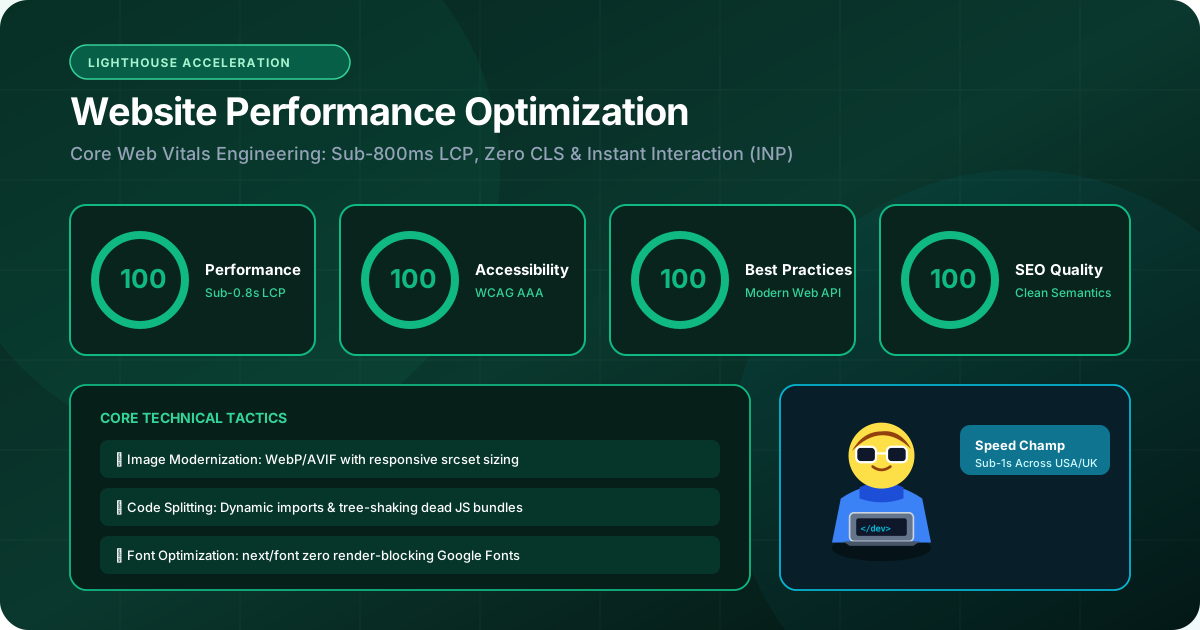
Website speed is no longer subjective; Google quantifies user experience through three strict Core Web Vitals metrics that directly influence search rankings:
• Largest Contentful Paint (LCP < 1.2s): Measures how quickly the primary visual element (hero headline or banner image) appears on screen. We achieve sub-1.2s LCP by pre-rendering HTML on the server, serving next-gen AVIF/WebP image formats with explicit priority flags, and inlining critical CSS.
• Interaction to Next Paint (INP < 50ms): Measures responsiveness when a user taps a button, opens a modal, or types into an input field. High INP occurs when bloated third-party scripts block the browser's main JavaScript thread. We keep INP under 50ms by deferring non-essential analytics and breaking long computational tasks into micro-tasks.
• Cumulative Layout Shift (CLS = 0): Measures visual stability. Nothing frustrates users more than attempting to tap a link, only for an un-sized image or banner ad to pop in and push the content down. We guarantee CLS = 0 by enforcing strict aspect-ratio bounding boxes on all visual assets and preloading custom web fonts.
3. Next.js App Router: Why Hybrid Rendering Wins
The architectural framework chosen by leading global technology companies
Next.js App Router has become the undisputed gold standard for enterprise frontend engineering. It provides several transformative architectural advantages:
• React Server Components (RSC): Components render entirely on the cloud server. Their heavy dependencies (date formatters, markdown parsers, syntax highlighters) stay on the server and are never sent over the wire to the user's mobile device, cutting JavaScript bundle sizes by up to 60%.
• Streaming with Suspense: Instead of waiting for a slow backend database query to complete before showing the page, Next.js streams the main layout and navigation instantly, rendering sleek skeleton loaders for the slow data component until it arrives.
• Edge Middleware: Executing lightweight routing logic, geolocation redirection (e.g., tailoring content for visitors from the US, UK, Canada, or India), and authentication checks at CDN edge locations in under 15 milliseconds.
4. Mobile-First UX & Component Design Systems
Ensuring visual consistency and accessible interactions across all viewports
Over 65% of commercial B2B and consumer web traffic now originates on mobile smartphones. Naive agencies build for 27-inch desktop monitors first and then try to 'shrink' elements to fit phones. Senior frontend engineers design mobile-first.
Key mobile frontend standards include:
• Minimum 48x48px Touch Targets: Ensuring all buttons, checkboxes, and interactive navigation elements are effortlessly clickable by human thumbs without accidental mis-taps.
• Fluid Typography: Leveraging modern CSS clamp() functions so font sizes scale smoothly across viewport widths from 360px mobile screens up to ultra-wide displays.
• Reusable Atomic Design Systems: Constructing user interfaces using modular, reusable component libraries (using Tailwind CSS and accessible primitives like Radix UI). When a branding color or button radius updates, it propagates across hundreds of application screens in seconds.
5. Frontend Architecture Comparison Matrix
Evaluating common frontend rendering strategies and their commercial impact
The table below contrasts standard frontend architectural models:
| Rendering Architecture | Initial Page Load (LCP) | Search Engine Indexing | JavaScript Bundle Size | Best Suited For |
|---|---|---|---|---|
| Next.js Server Components (SSR/SSG) | Sub-Second (<0.8s - 1.2s) | Instantaneous & Complete | Minimal (Zero-bundle server components) | Commercial Websites, SaaS, B2B Portals |
| Client-Side SPA (Vite / CRA) | Slow (2.5s - 6.0s on 4G) | Delayed / Incomplete Crawling | Heavy (5MB+ initial payload) | Private Dashboards Behind Password Logins |
| Legacy Monolithic (PHP / WordPress) | Variable (1.5s - 5.0s) | Good (HTML based) | Bloated with dozens of plugin scripts | Simple Local Blogs with zero custom logic |
| Static Site Generation (SSG) | Blazing Fast (<0.6s on CDN) | Flawless Pre-rendered HTML | Extremely Light | Documentation Sites, High-Traffic Articles |
6. Engineering Frontend Interfaces for Maximum Conversion
How psychological ergonomics and frictionless UX drive business revenue
A technically fast website is meaningless if visitors do not convert into paying clients or qualified leads. High-performing frontend development incorporates psychological conversion principles:
• Above-the-Fold Clarity: Answering the visitor's three subconscious questions within 3 seconds: What do you do? How does it benefit me? What action should I take next?
• Multi-Step Form Chunking: Replacing intimidating 15-field lead forms with intuitive, 3-step progressive inquiry wizards that reduce cognitive friction and increase completion rates by over 40%.
• Visual Trust Signals & Proof Triggers: Placing verified client case studies, institutional certifications, and real performance metrics immediately adjacent to primary call-to-action buttons.
7. The Commercial Frontend Health Checklist
10 diagnostic questions to evaluate your current website's frontend quality
Use this checklist to audit your company's frontend performance:
1. Does the mobile page load fully in under 1.5 seconds on a standard 4G cellular connection?
2. Does the Google PageSpeed Insights score exceed 90 on mobile viewports?
3. Is the cumulative layout shift (CLS) score zero when images and fonts finish loading?
4. Do buttons and interactive menus respond immediately without visible delay (INP < 50ms)?
5. Are all images delivered in modern next-gen formats (AVIF or WebP)?
6. Is the website fully accessible via keyboard tab navigation for screen-reader compliance?
7. Does the application share a unified, consistent design system across all subpages?
8. Are form validation errors displayed clearly inline next to the input field in real time?
9. Is all customer data submitted via encrypted HTTPS with strict Content Security Policies?
10. Does your engineering partner write strictly typed TypeScript to prevent client-side JavaScript crashes?
The Bottom Line & Next Steps
Frontend development is where your company's brand identity, technical engineering, and revenue conversion intersect. A modern, sub-second frontend built with React and Next.js commands instant trust, delights users on mobile viewports, and satisfies Google's Core Web Vitals algorithms. If your existing website feels sluggish, clunky on smartphones, or fails to convert visitors into inquiries, it is time for a modern frontend architecture. Partner with RankVRA to engineer an ultra-fast digital experience.
Questions Business Leaders Ask About frontend development
Why does frontend speed matter so much for business conversion rates?▾
Extensive industry data from Google and Amazon demonstrates that every 100-millisecond delay in page load time reduces conversion rates by 1%. Furthermore, slow loading speeds increase mobile bounce rates exponentially, wasting your paid advertising budget and hurting organic search rankings.
What is the difference between responsive design and mobile-first design?▾
Responsive design means a website adapts to different screen sizes. Mobile-first design is an engineering methodology where the mobile smartphone layout is architected as the primary, high-priority experience, with progressive enhancements added for larger desktop viewports. Mobile-first guarantees minimal asset bloat on cellular networks.
Can RankVRA redesign our frontend while keeping our existing backend database?▾
Yes. We frequently build modern, decoupled Next.js frontends that connect to existing backend databases, legacy ERPs, or headless CMS platforms via REST or GraphQL APIs, modernizing user experience without requiring a costly backend overhaul.

Written by Naveen Panchal
AuthorFounder & Lead Technical Architect, RankVRA
Naveen Panchal is the Founder and Technical Director of RankVRA. He specializes in full-stack web engineering, Next.js architecture, and high-performance digital systems for clients across the US, UK, Canada, and India.
Explore Core Commercial Capabilities
Sub-second React & Next.js user interfaces
Core Web Vitals & sub-second speed engineering
Conversion-first custom web design
Modernize legacy websites into high-speed Next.js
Custom business portals & operational software
- Google Chrome Team: web.dev: Optimize Core Web VitalsOfficial Reference
- React Core Team: React 19 Architecture OverviewOfficial Reference
- World Wide Web Consortium: W3C Web Content Accessibility Guidelines (WCAG)Official Reference
Build a Modern Frontend
Upgrade your web user experience to Next.js. Deliver sub-second speeds, flawless Core Web Vitals, and an intuitive mobile interface that converts visitors into customers.
Related Growth Blueprints
Explore more strategic articles from the RankVRA engineering desk.
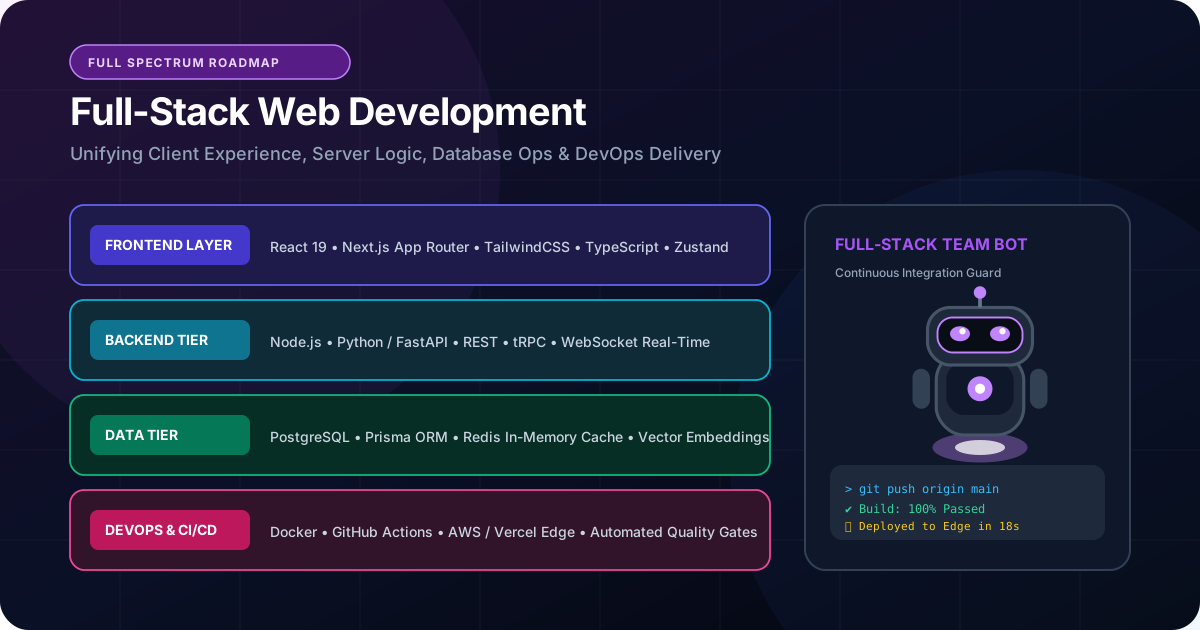
What Is Full-Stack Web Development? Frontend, Backend and APIs Explained
Demystify full-stack web development. Learn how frontend interfaces, backend servers, relational databases, and REST APIs connect to deliver business web platforms.
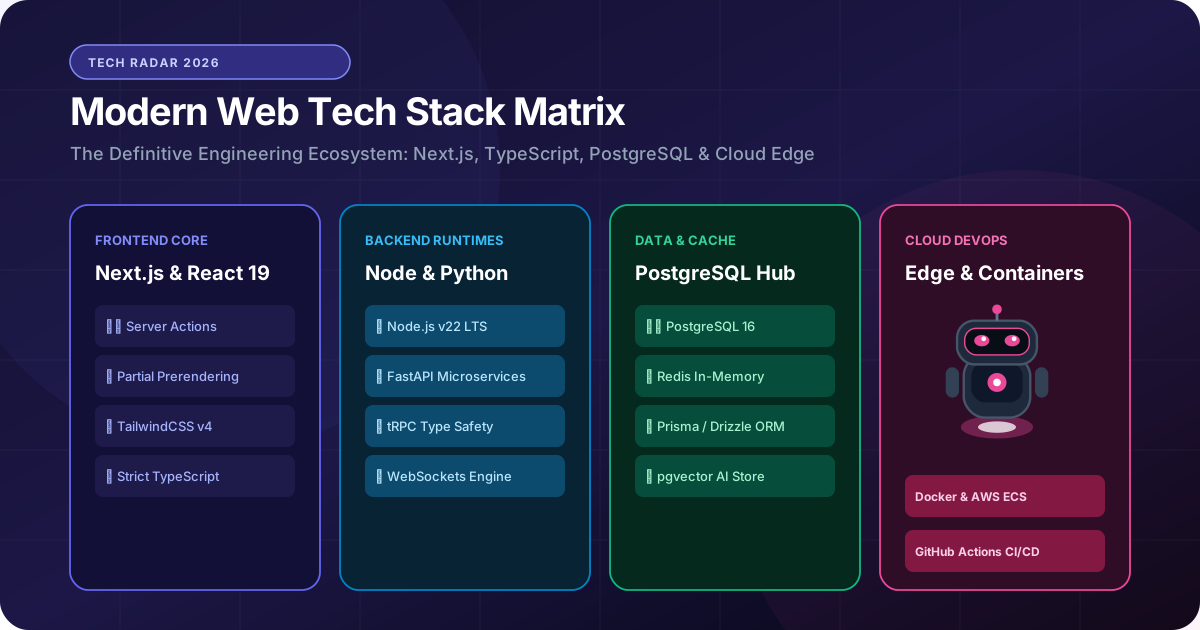
How to Choose the Right Web Development Technology for Your Business
Avoid costly technical debt. Learn how to select the right web development stack (Next.js, React, Node.js, Python, PostgreSQL) based on speed, scale, and business ROI.
Why Website Performance Matters for Business Growth: Sub-Second Speed Engineering
Slow websites destroy business revenue. Discover how website performance optimization impacts Core Web Vitals, conversion rates, Google rankings, and user retention.