
Core Web Vitals in Next.js: The Complete Guide to Sub-Second Load Speeds
A technical deep-dive into eliminating INP latency, optimizing LCP, and crushing CLS in modern React and Next.js applications.

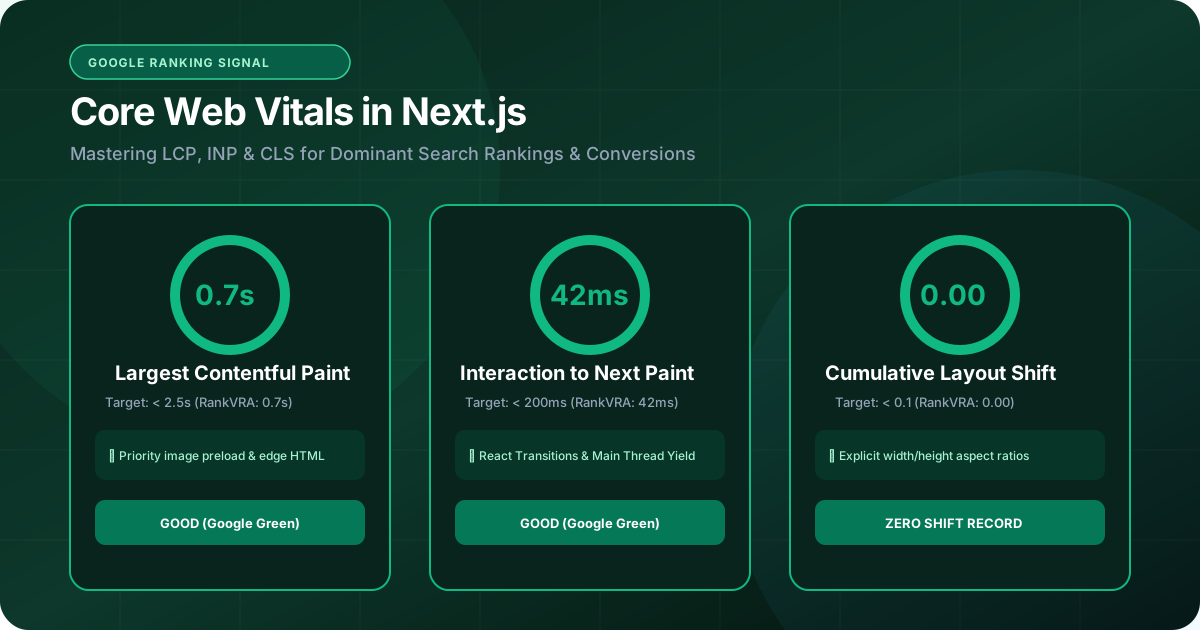
- 1. Understanding Core Web Vitals: LCP, INP, and CLS
- 2. Fixing Largest Contentful Paint (LCP) with Server Components
- 3. Eliminating Interaction to Next Paint (INP) Bottlenecks
- 4. Achieving 0.000 Cumulative Layout Shift (CLS)
- 5. Font, Asset, and Third-Party Script Optimization
- 6. Continuous Performance Monitoring & Real User Metrics
Google's Page Experience signals and Core Web Vitals are no longer theoretical ranking recommendations—they are hard algorithmic gating criteria. If your business website takes 4 seconds to load and freezes when users tap on a menu, Google's crawlers will systematically downgrade your organic positions in favor of faster competitors. While modern frameworks like Next.js offer exceptional out-of-the-box performance capabilities, poorly architected React code, unoptimized client components, bloated third-party scripts, and uncompressed hero images frequently drag Lighthouse scores into the red. This guide breaks down the exact engineering techniques used at RankVRA to achieve sub-second load times and perfect 100/100 Core Web Vitals scores in production.
1. Understanding Core Web Vitals: LCP, INP, and CLS
The three performance metrics that determine user satisfaction and search visibility
Core Web Vitals are real-world, user-centric metrics measured via the Chrome User Experience Report (CrUX). Google evaluates three core facets of user experience: loading speed (LCP), interactivity (INP), and visual stability (CLS).
In early 2024, Google permanently replaced First Input Delay (FID) with Interaction to Next Paint (INP). While FID only measured the delay before the first click, INP assesses every single click, tap, and keyboard interaction throughout the user's entire session.
To achieve a 'Good' rating in Google Search Console, your site must hit the 75th percentile of real-world page loads across all three metrics: LCP under 2.5 seconds (ideally under 1.2s), INP under 200 milliseconds (ideally under 50ms), and CLS under 0.1 (ideally 0.000).
- LCP (Largest Contentful Paint): How fast the largest viewport element (hero image or title) renders.
- INP (Interaction to Next Paint): The latency between a user interaction and the next visual browser frame update.
- CLS (Cumulative Layout Shift): Unexpected movement of visual elements during page rendering.
2. Fixing Largest Contentful Paint (LCP) with Server Components
Streaming HTML and zero-client-bundle rendering for instant hero delivery
In standard Client-Side Rendered (CSR) React apps, the browser must download an empty HTML shell, fetch massive JavaScript bundles, parse the code, and then make API calls before rendering the hero section. This creates catastrophic LCP times of 3 to 6 seconds on mobile connections.
Next.js App Router solves this by utilizing React Server Components (RSC). By executing database queries and markup generation on the server, the browser receives fully rendered HTML in the very first network response byte.
For hero images—the most common LCP element—always utilize the Next.js `next/image` component with the `priority` attribute, explicit width and height dimensions, and modern formats like WebP or AVIF. This instructs the browser to preload the image in parallel with document styling, driving mobile LCP below 1.2 seconds.
Adding loading='lazy' to your above-the-fold hero image destroys your LCP score. Always use priority={true} on the primary hero banner so the browser starts downloading it immediately.
3. Eliminating Interaction to Next Paint (INP) Bottlenecks
Preventing JavaScript execution from freezing the browser main thread
INP measures UI responsiveness. When a user clicks your mobile navigation toggle, expands an FAQ accordion, or submits an inquiry form, the main thread must not be blocked executing heavy JavaScript.
The leading cause of high INP in React applications is unnecessary client-side re-rendering and large client bundles imported into the root layout. Keep interactivity strictly confined to leaf nodes using 'use client' directives only where local state is mandatory.
For computationally intensive actions, utilize React 19's `useTransition` hook to mark state updates as non-blocking transitions. This allows the browser to maintain responsive frame rates and instant visual feedback while background processing executes seamlessly.
- Break long tasks (>50ms) into asynchronous microtasks using requestAnimationFrame or setTimeout.
- Use useTransition for non-urgent state updates to keep input responses immediate.
- Audit bundle sizes using @next/bundle-analyzer and eliminate oversized npm dependencies.
4. Achieving 0.000 Cumulative Layout Shift (CLS)
Eliminating annoying layout jumps and visual jarring during page hydration
Cumulative Layout Shift occurs when visible page content abruptly changes position because new elements, late-loading web fonts, or dynamic banners load asynchronously without pre-reserved spacing.
In Next.js, zero CLS is achieved through strict CSS layout hygiene: always reserve fixed aspect ratios on containers housing images, video players, and embedded components using Tailwind's `aspect-video` or CSS `aspect-ratio`.
Furthermore, utilize `next/font` for local and Google font loading. Next.js automatically injects pre-calculated font fallback metrics into your CSS, completely eliminating Flash of Unstyled Text (FOUT) and layout shifts caused by custom typography.
5. Font, Asset, and Third-Party Script Optimization
Managing Google Tag Manager, analytics, and tracking pixels safely
Third-party scripts—such as Facebook Pixel, Google Analytics, Hotjar, and live chat widgets—are notorious for destroying Core Web Vitals by hijacking the browser main thread.
Next.js provides the `next/script` component with flexible loading strategies. Never load non-essential marketing tags synchronously. Use `strategy='afterInteractive'` for general analytics, and `strategy='lazyOnload'` for chat widgets, social proof popups, and secondary trackers that can wait until the main page is fully interactive.
| Metric / Feature | Next.js 15+ App Router | Traditional WordPress / PHP |
|---|---|---|
| Average Mobile LCP | 0.8s - 1.4s (Edge SSR / Static) | 2.8s - 5.5s (Heavy DB queries) |
| Average INP | 20ms - 45ms (Lightweight hydrated UI) | 180ms - 450ms (Plugin script bloat) |
| Average CLS | 0.000 (Pre-reserved aspect ratios) | 0.150 - 0.380 (Late-loading banners) |
| Font Optimization | Automatic zero-CLS fallback via next/font | External render-blocking Google Font requests |
| Security Vulnerability | Zero SQL injection / Static Edge output | Frequent plugin exploits & maintenance downtime |
6. Continuous Performance Monitoring & Real User Metrics
Capturing real browser telemetry before rankings take a hit
Synthetic lab tests like Google PageSpeed Insights provide valuable directional clues, but Google's ranking algorithms evaluate 28-day rolling CrUX data from actual human visits.
Implement Next.js built-in Web Vitals reporting by exporting the `useReportWebVitals` hook. Send telemetry data directly to your analytics backend to identify regional performance drops or slow mobile devices before they impact your organic rankings.
The Bottom Line & Next Steps
Optimizing Core Web Vitals is not a one-time chore; it is an ongoing engineering discipline that delivers faster user experiences, higher conversion rates, and superior Google search rankings. At RankVRA, we engineer websites with performance built directly into their foundational architecture. Explore our web engineering capabilities, check our case studies, or request a Free Growth Audit today.
Questions Business Leaders Ask About Core Web Vitals Next.js
What is the difference between Google PageSpeed Insights and Core Web Vitals?▾
PageSpeed Insights provides synthetic 'lab' scores based on simulated throttling in a single test run. Core Web Vitals evaluate real-world 'field' data gathered from millions of actual Chrome users over a rolling 28-day period (CrUX dataset). Google uses real-world field data for search ranking calculations.
What is Interaction to Next Paint (INP) and why did it replace FID?▾
First Input Delay (FID) only tracked the delay before a user's very first click on a page. INP measures the latency of all user interactions (clicks, taps, typing) throughout their entire visit, making it a much more comprehensive and accurate indicator of overall UI responsiveness.
How does next/image help improve Largest Contentful Paint (LCP)?▾
Next.js next/image automatically optimizes images into modern formats (WebP/AVIF), resizes images dynamically for different screen sizes, avoids layout shifts by requiring aspect dimensions, and allows preloading critical hero visuals using the priority attribute.
Can third-party plugins and analytics cause Core Web Vitals failure?▾
Yes. Third-party tracking scripts and chat widgets are among the most common causes of high INP and slow LCP. Using the Next.js next/script component with lazyOnload strategy helps mitigate their impact by deferring execution until after the primary page content has rendered.

Written by Naveen Panchal
AuthorFounder & Lead Technical Architect, RankVRA
Naveen Panchal is the Founder and Technical Director of RankVRA. He specializes in full-stack web engineering, algorithmic search optimization, and performance funnels for hospitality, manufacturing, and local service enterprises across Rajasthan and internationally.
Want to implement these strategies for your business?
RankVRA engineers high-speed web platforms, localized Google Maps dominance, and algorithmic SEO funnels that turn searchers into long-term clients.
Related Growth Blueprints
Explore more strategic articles from the RankVRA engineering desk.
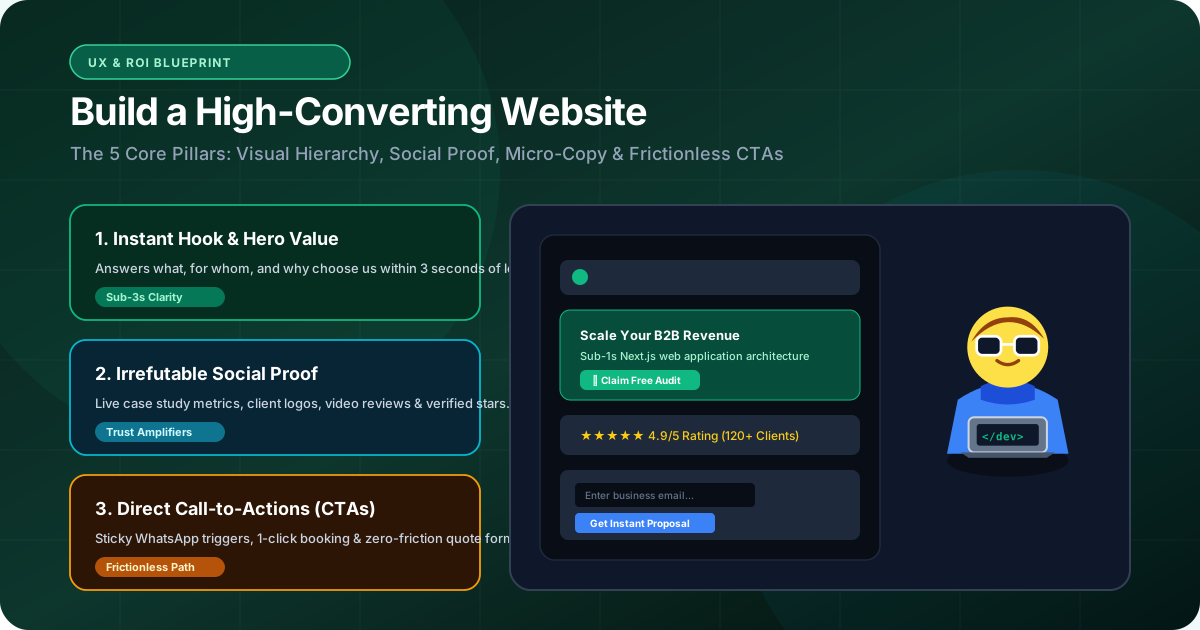
How to Build a High-Converting Website: The Blueprint That Turns Google Traffic Into Paying Customers
Learn how to build a high-converting website from scratch. Discover the exact engineering, UX design, copy structure, and speed optimizations that convert traffic into revenue.
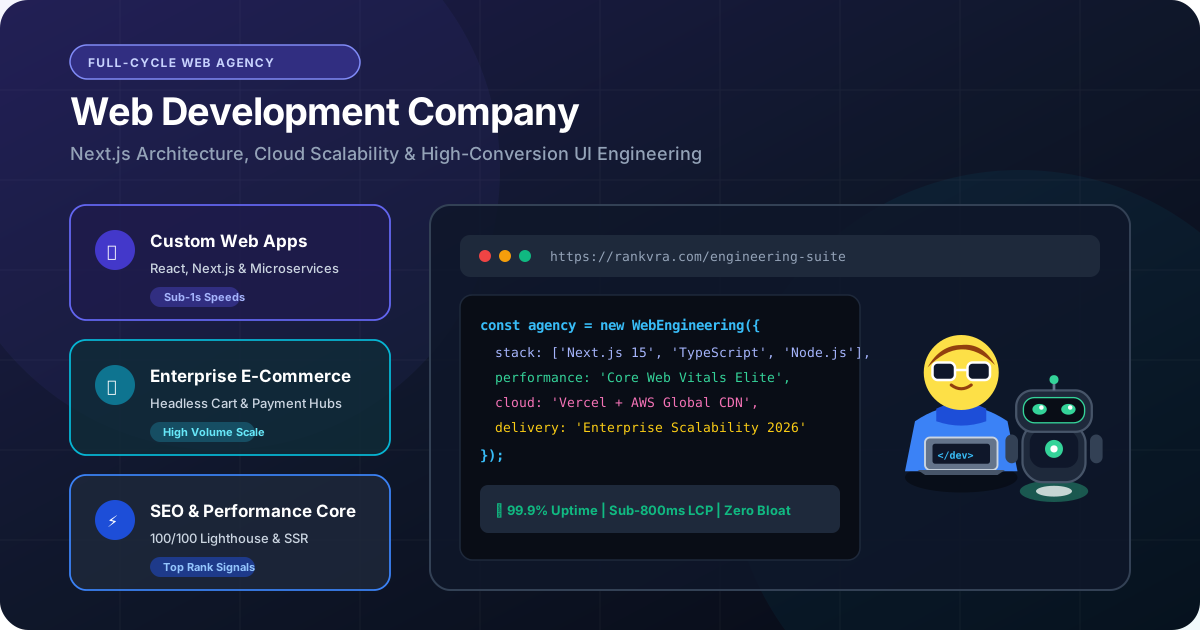
Web Development Company in Udaipur: What Modern Businesses Must Demand in 2026
Looking for a web development company in Udaipur? Learn why modern engineering, Next.js architecture, sub-second speeds, and conversion UX are essential for business growth.
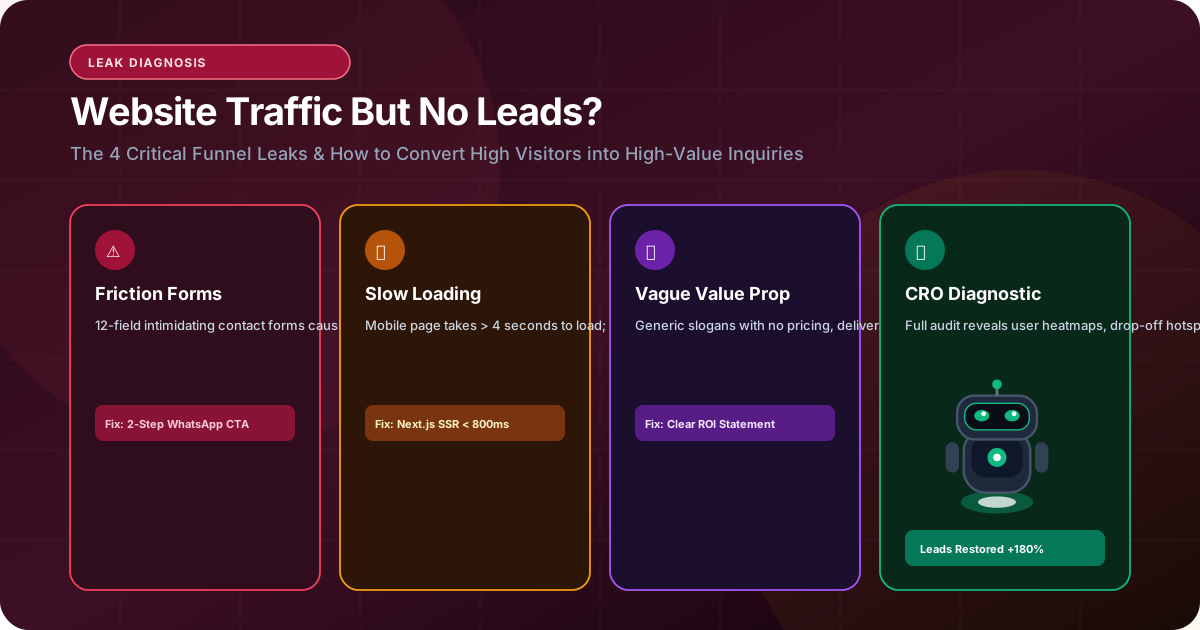
Why Your Website Gets Traffic but No Leads: 10 Conversion Fixes That Generate Inquiries
Experiencing steady website traffic but zero leads? Discover the top 10 conversion leaks—from slow mobile LCP to intimidating forms—and learn the exact fixes to drive inquiries.